Turn WebP images into a PDF anyone can open
WebP to PDF is a free, browser-based converter that turns WebP images into a PDF. Add static or animated WebP files, set a page size, and create one combined PDF or a separate file per image. It runs on your device, so nothing is uploaded.
WebP is everywhere on the web because it's small and sharp, but that's also its problem: print shops, older image viewers, and a lot of upload portals simply won't accept a .webp file. Converting to PDF wraps your images in a format that opens on any device, prints cleanly, and is accepted where WebP isn't.
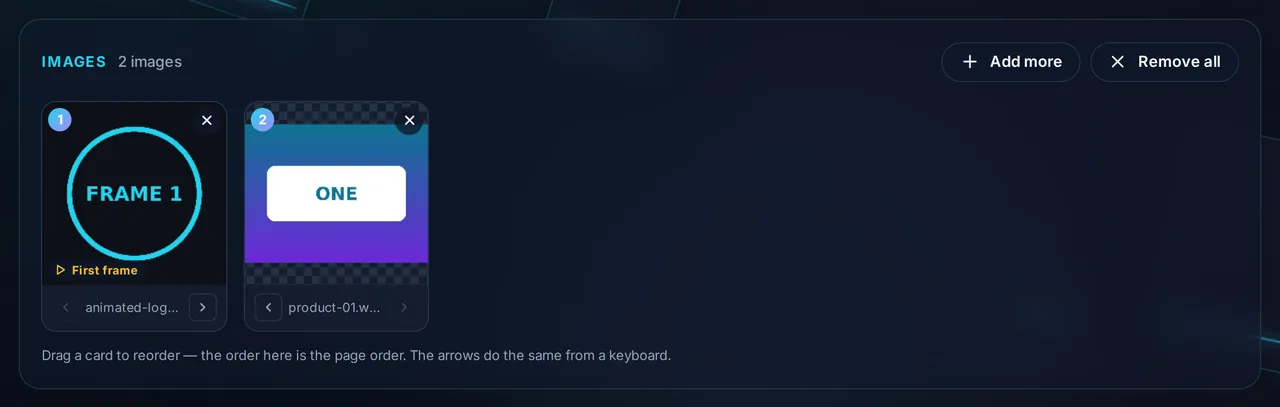
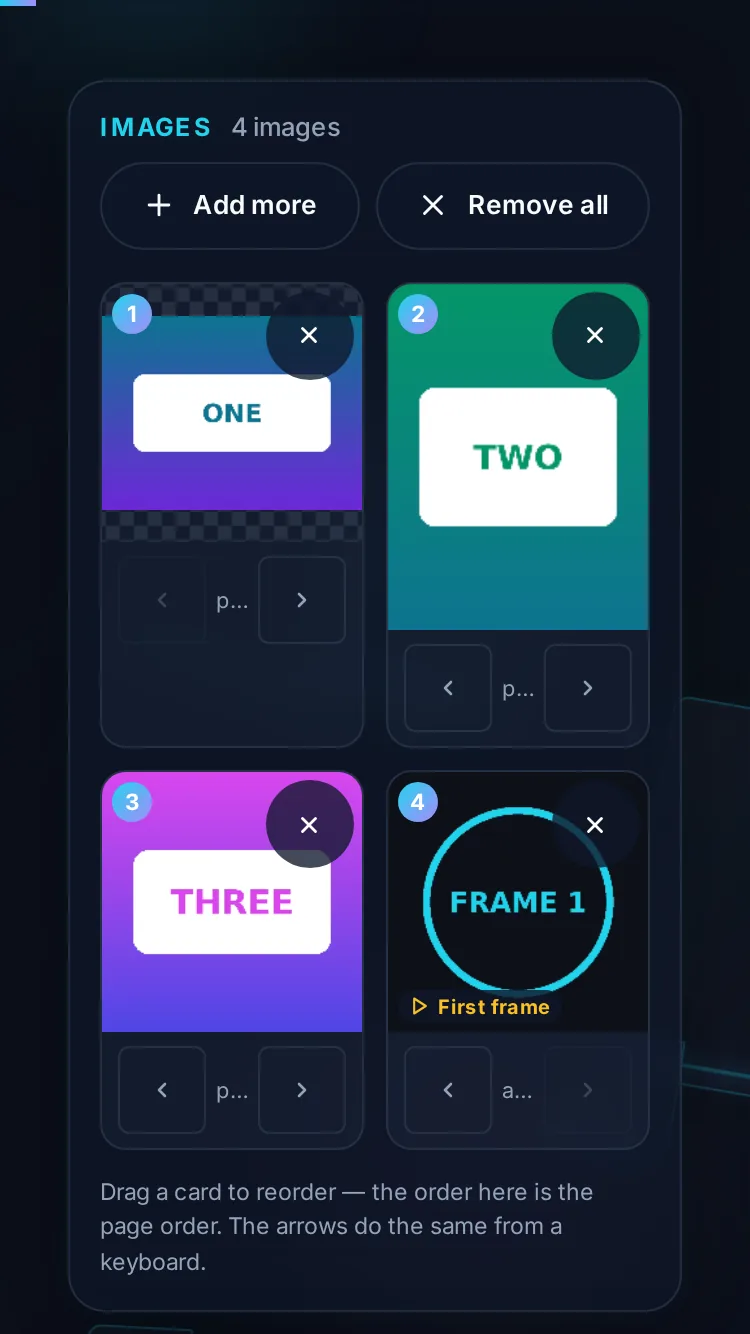
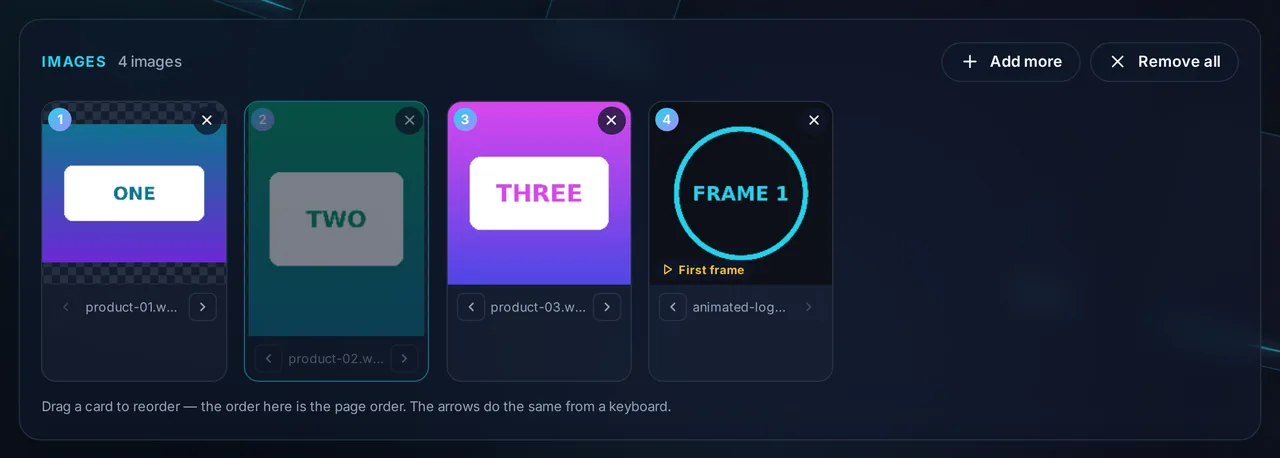
This converter takes your WebP files — static or animated — and builds them into a PDF. Drop them in and each appears as a preview card you can drag into the right order; remove any you don't want, or add more. Because a PDF page can't play an animation, an animated WebP is placed using its first frame, and the preview lets you confirm what will appear before you create the file.
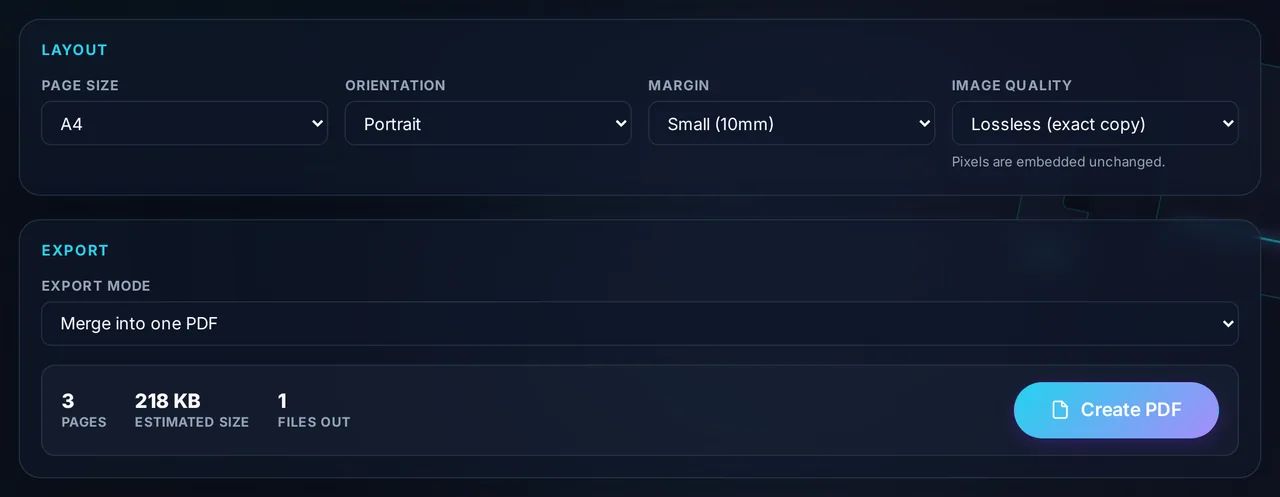
The Layout panel controls the result: pick A4, US Letter, or Fit to Image, set the orientation, and choose a margin. The Export panel shows a running page count and estimated size, and lets you pick Merge into one PDF for a single document or Individual PDFs (ZIP) for one file per image.
It all runs in your browser, so the images are never uploaded to a server — useful for web assets or receipts you'd rather keep private. WebP can be a lossless format, and the tool embeds your images without re-compressing them, so quality is preserved. There's no watermark and no signup.
This tool is WebP-only; if you need to mix WebP with JPG or PNG in one document, the Image to PDF Converter handles several formats at once. For a single sibling format there's PNG to PDF, and if the finished PDF is large, Compress PDF will shrink it.
When WebP to PDF helps
- Web assets. Turn downloaded WebP graphics into a document you can send or print.
- Receipts and screenshots saved as WebP. Bundle them into one PDF.
- Portfolios. Present WebP art as a clean, paginated PDF.
- Compatibility. Send images to someone whose software can't open WebP.
- Private files. Convert without uploading anything — then Merge PDF to combine with other documents, or go the other way with PDF to JPG.