Random Emoji Generator

Generate random emojis by category — faces, animals, food, and more — and copy them with one click.

100% Browser-Based Local Processing

Pick a category and press Generate

Click any emoji to copy just that one.

Same emoji, different drawing. Emojis are standardised in Unicode, but Apple, Google, Microsoft and Samsung each draw their own version — and a very new emoji can show as an empty box on an older device.

Category
Skin tone

Press Space for a new set.Tap Generate emojis again for more.

Privacy Focused

🔒 Local Processing. Your names and lists never leave your device.

Instant Results

🌐 Fully Client-Side. Runs instantly in your browser.

No Signup

⚡ No accounts. No API keys. Just open and use.

Browser Based

🚀 No installs, no sign-ups, no server round-trip.

What is a Random Emoji Generator?

Random Emoji Generator picks random emojis for you, filtered by category like faces, animals, or food. Choose how many you want (up to 40) and generate a set, then click any single emoji to copy it or copy the whole batch at once. It runs entirely in your browser.

Sometimes you just need a random emoji — for a game, a chat prompt, a caption, or a bit of fun. This generator serves up random emojis from the category you choose, as many as you like, ready to copy.

It runs entirely in your browser, so it's instant and needs no account. Pick a category and count, generate, and click whichever emojis you want to use.
How to generate random emojis

Step 1: Choose a category — faces, animals, food, activities, travel, objects, symbols, flags, or all — and type a keyword like "heart" or "cat" if you want to narrow it further

Choose a category — faces, animals, food, activities, travel, objects, symbols, flags, or all — and type a keyword like "heart" or "cat" if you want to narrow it further.

Step 2: Set how many emojis you want (up to 40) and click Generate emojis

Set how many emojis you want (up to 40) and click Generate emojis.

Step 3: Click any single emoji to copy just that one, or use Copy all to take the whole set

Click any single emoji to copy just that one, or use Copy all to take the whole set.

Random Emoji Generator in action

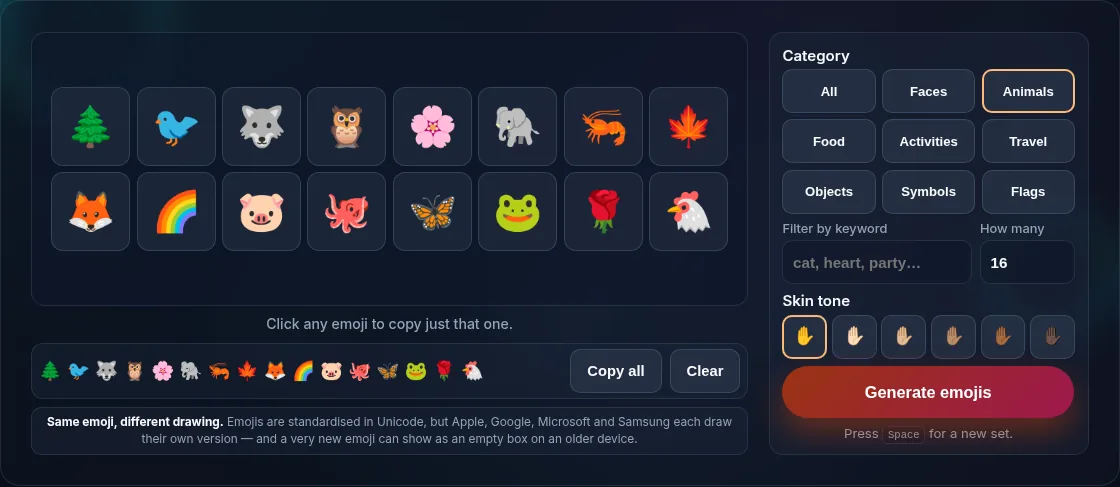
Random emojis generated from a chosen category.
Emojis + category
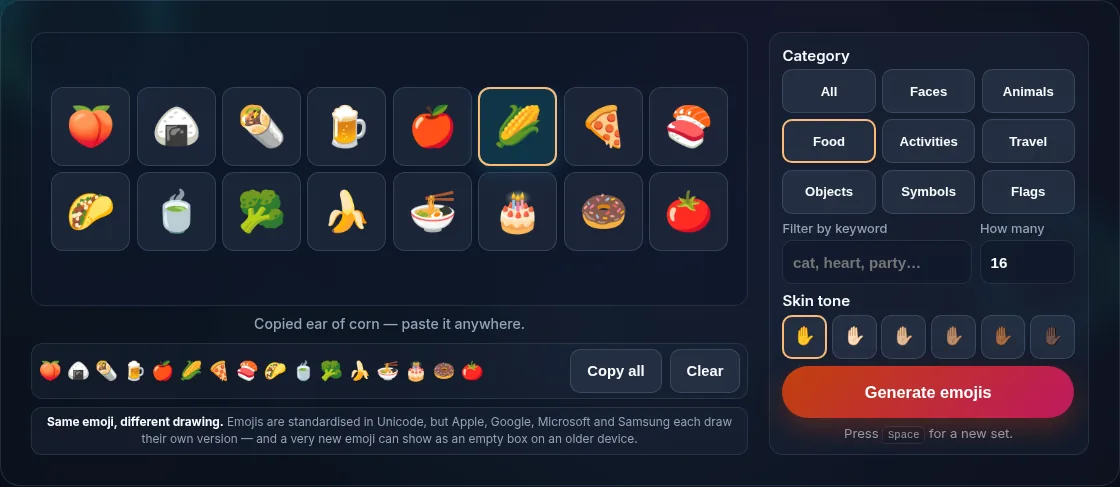
Copying a set of random emojis.
Copy emojis
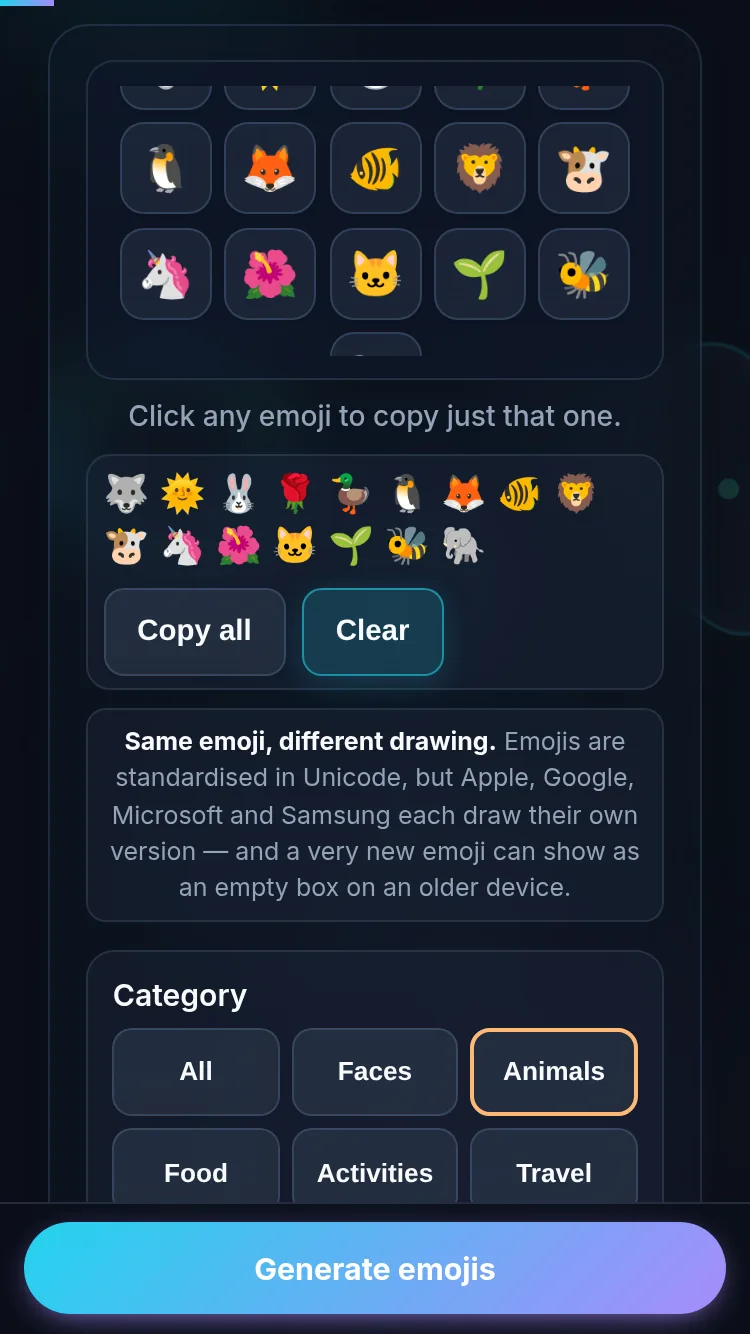
Generating random emojis on a phone, no app installed.
Mobile (stacked)

Categories, copying, and where emojis show

Category filters let you target the kind of emoji you want — reaction faces for a chat, animals or food for a game, symbols for decoration, flags for a quiz — and the count lets you grab one or a whole string at once. The keyword box narrows any category by name, so "heart" pulls the hearts out of the symbol set and "cat" finds the cat faces. Every emoji in a set is different: the draw is without replacement, so a batch of eight is eight distinct emojis rather than the same smiley three times. For the people and hand emojis, the skin-tone row applies any of the five standard tones. Copy an emoji and paste it anywhere that supports emoji: chats, social posts, documents, and code comments. One thing to know: emojis are part of Unicode, but exactly how each one looks depends on the device and font (Apple, Google, and Microsoft draw them differently), and a very new emoji might appear as a box on an older device. The picks are random and everything runs locally, so it's instant and private. For random faces in games, pair it with the Wheel of Names or Dice Roller.

Frequently Asked Questions

How do I get random emojis?

Pick a category and a count, then click Generate emojis — a random set appears, ready to copy. Generate again for a new set. Click any single emoji to copy just that one, or use Copy all for the whole batch. It's instant because everything runs in your browser.

Can I choose a category?

Yes. You can generate from a specific category — faces, animals, food, activities, travel, objects, symbols, or flags — or choose 'all' for a mix. There's also a keyword box, so you can narrow any category by name: type 'heart' for the hearts, or 'cat' for the cat faces.

How many emojis can I generate at once?

From one up to forty, set by the count field. One is handy for a quick prompt or reaction; a larger set is good for decorating a caption, seeding a game, or just browsing options. Every emoji in a set is different — the draw is without replacement, so you never get the same one twice.

Can I copy the emojis?

Yes, two ways. Click any single emoji in the grid to copy just that one, or use Copy all to put the whole generated set on your clipboard. Paste them straight into a chat, social post, document, or anywhere that supports emoji. Everything is generated locally, so copying is instant.

Can I change the skin tone?

Yes. The skin-tone row applies any of the five standard Unicode tones to the emojis that support them — the waving hand, thumbs up, clapping hands, and the other people and hand emojis. Emojis without a skin tone, like animals and food, are unaffected. Changing the tone restyles the set you're looking at rather than drawing a new one.

Why does an emoji look different on my device?

Emojis are standardised in Unicode, but each platform draws its own version, so the same emoji looks slightly different on Apple, Android, Windows, and elsewhere. A very new emoji may also show as a placeholder box on older devices that haven't added it yet.

Can I search for a specific emoji?

Yes. Type into the keyword box and the draw is limited to emojis whose name or tags match — 'party' finds the partying face, party popper, and balloons. Combine it with a category to narrow further. If nothing matches, the tool says so instead of generating; if only a few match, it tells you how many.

Is it private — is anything uploaded?

No. Everything runs in your browser, so whatever you enter is processed on your own device and never uploaded. Nothing is stored once you close the tab unless you choose to save it. That keeps your lists, names, and data private.

Is it free, and do I need to sign up?

Yes, it's completely free with no account, no trial, and no limit on how many times you use it. Because it runs entirely in your browser, there are no server costs, no usage caps, and no watermark or branding added to your result.

Does it work on a phone?

Yes. It runs in your phone's browser with nothing to install, so you can use it on Android or iOS. The layout adapts to small screens, making it easy to use on the go, at a party, or in a classroom.

Does it work offline?

Once the page has loaded, it runs entirely on your device, so it keeps working without a connection — which is also why nothing is uploaded. You only need to be online to open the page the first time; after that the tool works locally.

Is the randomness fair?

Yes. The tool uses your browser's secure random number generator, so every outcome is genuinely unpredictable and each option has an equal chance. It isn't weighted or rigged — results are as fair as a well-shuffled deck or an even spin.

Still have questions?

If you can't find the answer you're looking for, feel free to contact our support team.

Contact Us