Calendar Generator

Any Month, Quarter, or Year — Ready to Print

100% Browser-Based Local Processing
Calendar settings

Calendar

Privacy Focused

🔒 Local Processing. The values you enter never leave your device.

Instant Results

🌐 Fully Client-Side. Runs instantly in your browser.

No Signup

⚡ No accounts. No API keys. Just open and use.

Browser Based

🚀 No installs, no sign-ups, no conversion limits.

Calendar Generator: Any Month or Year, Built in the Browser

Most calendar pages show you one month and stop there. This calendar generator builds the month, quarter, or full year you actually need, for any year from 1583 to 2200, and lays it out so it can go straight to a printer. Pick a view, set the year, and the grid is redrawn as you change it.

The settings that usually cause an argument are all here: whether the week starts on Sunday, Monday, or Saturday, whether ISO week numbers run down the side, whether weekends are shaded, and whether the empty corners of the grid are filled with the neighbouring month's days or left blank. If you only need one month at a time, the Monthly Calendar Generator is the shorter route; for a full twelve months on a single sheet, the Yearly Calendar Generator is laid out for it.

Every date is worked out with real calendar arithmetic, so leap years, month lengths, and week numbers are correct rather than approximated. Nothing is uploaded: the calendar is drawn by JavaScript in your own browser, and printing sends the page to your printer, not to a server.
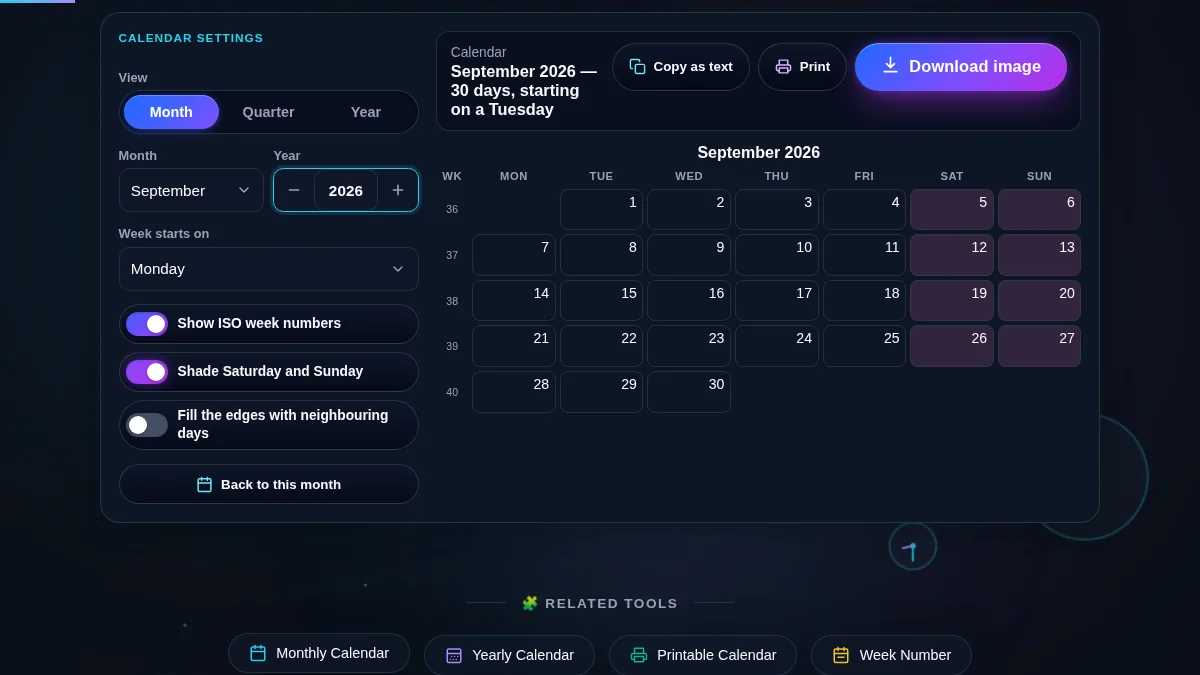
Calendar generator workspace with the view, month, year, week-start and option controls on the left and a September 2026 month grid with ISO week numbers and shaded weekends on the right
The whole tool on one screen: the settings panel sits beside the summary line and the month grid it produces.

What This Calendar Generator Is Good For

TaskSettings to useWhy it helps
A wall calendar for next monthMonth view, weekends shadedLarge cells with room to write, and the print layout drops the rest of the page.
Planning a quarterQuarter viewThree months side by side, so a deadline in the third month stays visible.
A year to pin above a deskYear viewAll twelve months on one sheet, weekends shaded, today marked.
Work that runs on week numbersWeek numbers onISO 8601 weeks down the side, matching payroll, sprint, and shipping schedules.
A calendar for a past or future yearType the yearAny year from 1583 to 2200, with leap years and weekday shifts handled.
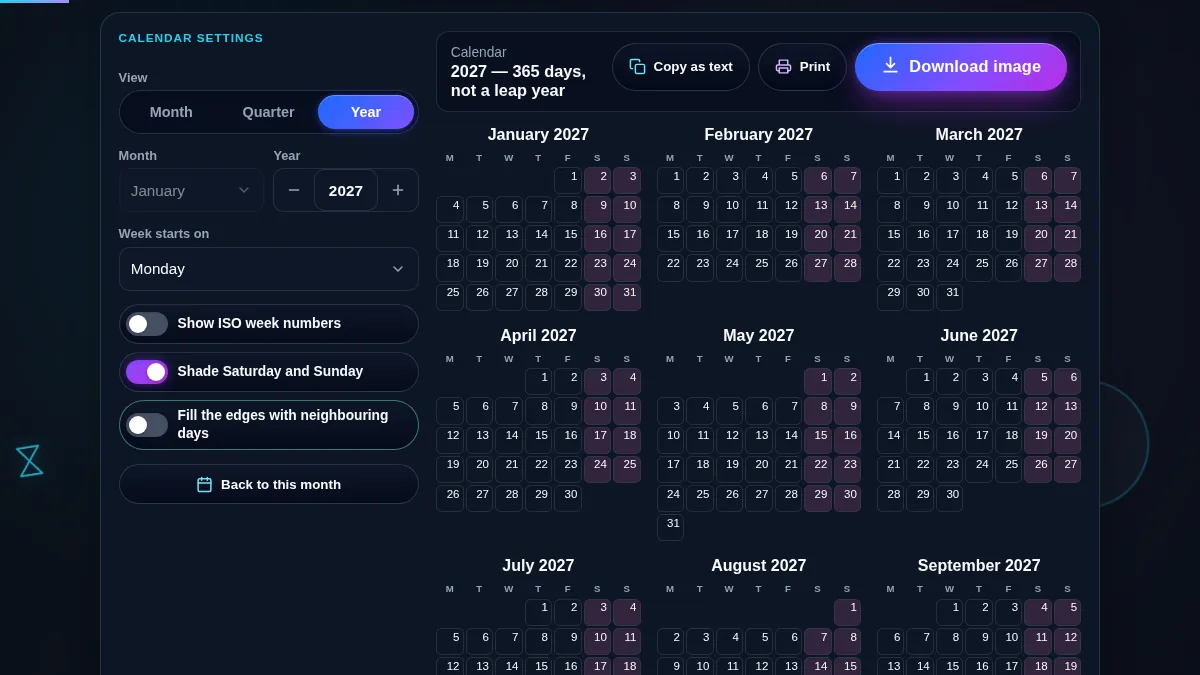
Calendar generator switched to year view, showing all twelve months of 2027 as compact grids with shaded weekends, above the copy and print buttons
Year view puts all twelve months on one page, which is what you want before sending it to a printer.

How to Use the Calendar Generator

Three steps from an empty grid to a printed calendar.

Step 1: Choose the view and the dates

Start with the Month, Quarter, or Year control. Month gives you one large grid; Quarter shows the three months of the quarter the selected month falls in; Year lays out all twelve. Then set the month and year. The year accepts anything from 1583 — the first full year of the Gregorian calendar — to 2200.

Step 2: Set the week start and the options

Pick whether the week begins on Sunday, Monday, or Saturday; the column order and the week numbers both follow it. Turn on ISO week numbers if your work runs on week 34 rather than 21 August. Weekend shading is on by default, and the last switch decides whether the grid's empty corners show the neighbouring month's days or stay blank. If you need the week number for one specific date, the Week Number Calculator answers it directly.

Step 3: Print it or copy it

"Print calendar" opens your browser's print dialog with everything except the calendar hidden — no header, no footer, no settings panel — so a sheet of paper gets the grid at full width. "Copy as text" puts a plain-text version on your clipboard, which is the format that survives a chat message, a ticket description, or a plain-text email.

Frequently Asked Questions

How do I create a calendar for any month or year?

Set the view to Month, choose the month from the list, and type the year. The grid is rebuilt immediately. The year field accepts 1583 through 2200, so you can produce a calendar for a birth year, a historical date, or a year several decades ahead, and the weekday alignment will be correct for it.

Can I print the calendar without the rest of the page?

Yes, and that is the default behaviour. The print layout hides the site header, the settings panel, the buttons, the surrounding content, and the footer, leaving only the calendar grid and its title. Weekend shading becomes a light grey so it survives a black-and-white printer, and in year view the months are arranged three across to fit a portrait sheet.

Can I download the calendar as an image or a PDF?

Yes. Press Download and pick light or dark, then PNG or PDF. The sheet shows a preview of each finish, drawn by the same code that writes the file, so what you choose is what you get. Light is the one to print or paste into a document; dark suits a phone wallpaper or a slide. PNG comes out at twice screen size; PDF puts the same picture on an A4 or US Letter page, ready for the printer. Either way the file is drawn on your device, so the calendar never leaves the browser.

Can I start the week on Monday instead of Sunday?

Yes. The "Week starts on" list offers Sunday, Monday, and Saturday, and the column order, the weekend shading, and the row grouping all follow the choice. Monday is the default here because it matches ISO 8601 and most of Europe and Asia; Sunday is the common choice in the United States, Canada, and Japan.

What are the week numbers down the left-hand side?

They are ISO 8601 week numbers. Week 1 is the week containing the first Thursday of the year, which means a year has either 52 or 53 weeks and the first days of January sometimes belong to the last week of the previous year. Payroll, manufacturing, and project schedules in Europe are usually quoted in these numbers.

Can I get all twelve months on one page?

Switch the view to Year. The twelve months are drawn as compact grids that reflow to the width available, weekends stay shaded, and today keeps its marker. Printing that view arranges the months three across so a full year fits on a single sheet.

Is anything I enter uploaded or saved?

No. The calendar is generated by JavaScript running in your browser. The month, year, and options you choose are never sent to Randomly.online, nothing is stored between visits, and there is no account to create. Printing hands the page to your own printer through the browser.

Does the calendar generator work on a phone?

Yes. On a narrow screen the two columns stack into one: the view control, the month and year pickers, and the option switches sit at the top, with the calendar directly below. All seven day columns stay on screen — they shrink rather than scroll — and every button meets a 44px touch target.

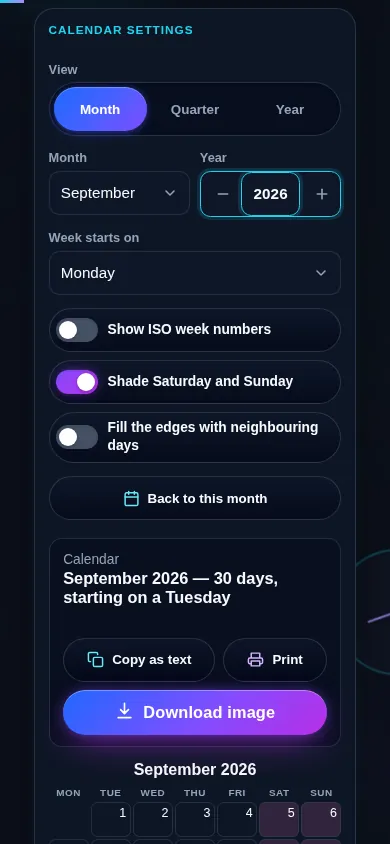
Calendar generator on a 390px phone: the view control, month and year fields and option switches stacked in one column above a full seven-column month grid
The calendar generator on a phone — one column, with the settings above the grid.

Still have questions?

If you can't find the answer you're looking for, feel free to contact our support team.

Contact Us