Pomodoro Timer

Focus Timer & Productivity Tracker

100% Browser-Based Local Processing
25:00
Focus Session
0
Cycles Today
0
Focused Mins

Privacy Focused

🔒 Local Processing. The values you enter never leave your device.

Instant Results

🌐 Fully Client-Side. Runs instantly in your browser.

No Signup

⚡ No accounts. No API keys. Just open and use.

Browser Based

🚀 No installs, no sign-ups, no conversion limits.

Pomodoro Timer Online: Maximize Your Focus

This online Pomodoro Timer helps you beat procrastination and hold deep focus by enforcing a steady rhythm of work sessions and short restorative breaks. It follows the Pomodoro Technique developed by Francesco Cirillo: a fixed block of effort, then a deliberate pause, repeated. That structure gives your attention an anchor, cuts mental fatigue, and keeps your output steady over a long day.

The tool runs entirely in your browser, with no page reloads or server round-trips. When you need to shut everything else out, the fullscreen focus mode fades the interface down to the ring and the countdown. You can also reshape the rhythm to suit the task — swap the default 25 minutes for a longer 50-minute deep-work block, the same way you would plan a stretch of time with the Time Slot Generator.

Momentum tracking is built in. The session dots show where you are in the four-cycle rotation, and completed cycles plus focused minutes are stored locally on your device, so nothing is uploaded. Whether you are hitting a daily quota or working toward an upcoming deadline, a clean boundary between effort and rest trains your brain to reach flow faster and stay there longer.
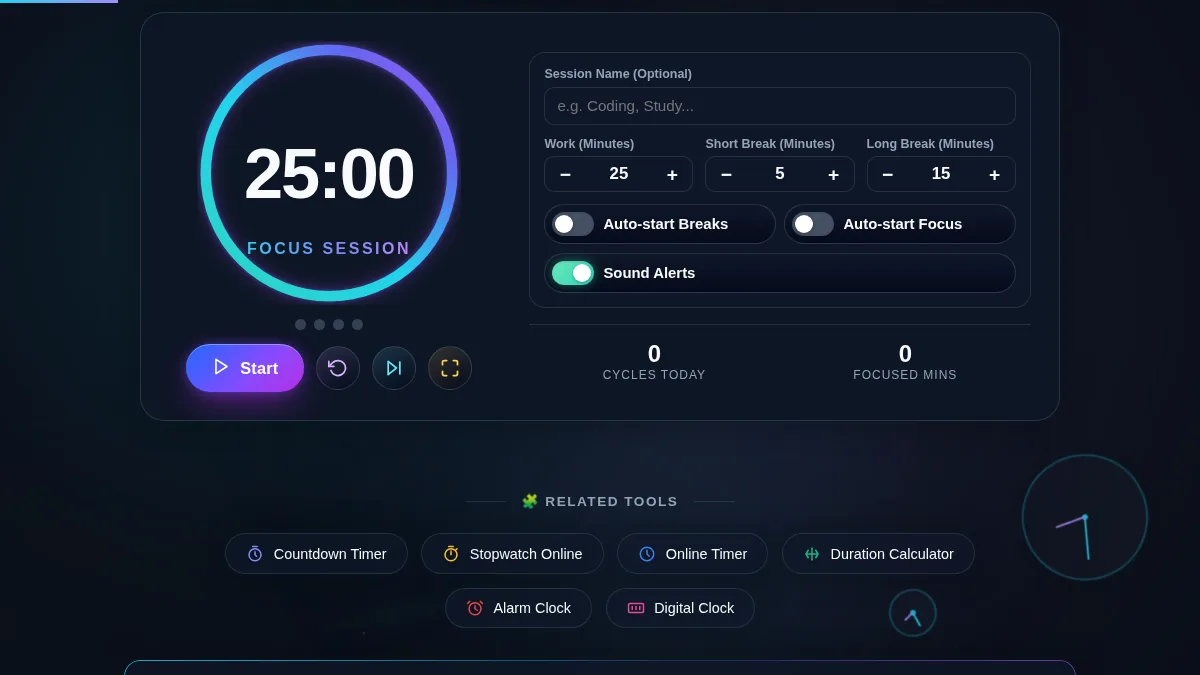
Pomodoro Timer workspace with a gradient progress ring, four session-cycle dots, Start, Reset, Skip and Fullscreen controls, work and break interval steppers, auto-start and sound switches, and daily cycle and focused-minute stats
The whole tool on one screen: the timer ring and controls sit beside the interval steppers, auto-start switches, and your daily focus stats.

How to Use the Pomodoro Timer

Five steps to run a full focus cycle and read your daily stats.

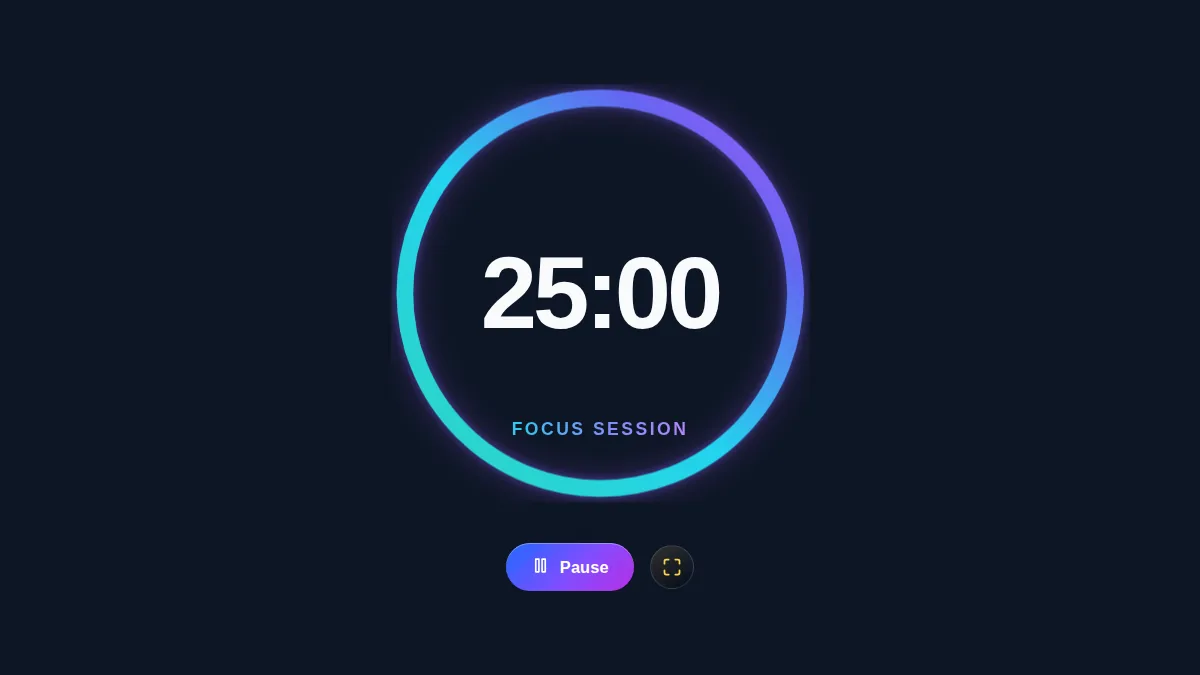
Pomodoro Timer in fullscreen focus mode showing only a large gradient progress ring, a bold countdown, the focus-session label, and Pause and Fullscreen controls on a dark background
Fullscreen focus mode strips everything back to the ring and the countdown — press the fullscreen button in the control row to enter it.
Step 1: Name the task

Before starting, decide what you want to finish in this block. Type it into the "Session Name" field and it stays visible under the countdown, so the goal is in front of you the whole time.

Step 2: Set your intervals

The defaults are the standard 25-minute work block, a 5-minute short break, and a 15-minute long break. Use the plus and minus buttons, or type a value directly, to match your own endurance — 50/10 is a common alternative for deep work.

Step 3: Start the countdown

Press Start. The ring drains as time passes and the tab title mirrors the countdown. For zero distractions, use the fullscreen button to drop everything except the ring and the timer onto a dedicated screen.

Step 4: Work until the alarm

Stay on the task until the alarm sounds. If a distraction pops into your head, jot it down and return immediately. If you would rather count up than down, try the Reverse Countdown instead.

Step 5: Take the break, then repeat

When the ring turns green, stop working and step away from the screen. After four completed work cycles — tracked by the session dots — take the longer break. Turn on "Auto-start" if you want the timer to roll from one phase to the next with no clicks; your daily totals tally at the bottom of the panel.

Frequently Asked Questions

What is the Pomodoro Technique and why does it work?

It breaks work into fixed intervals — traditionally 25 minutes — separated by short breaks. It works because it turns time from an abstract resource into a concrete, measurable event, which creates enough urgency to cut procrastination. The breaks act as a mental palate cleanser, holding off burnout and keeping your thinking sharp across the day, which helps when you are studying for an exam.

Can I customize the timer intervals, and is my data saved?

Yes. Adjust the work, short break, and long break durations to anything you like — a 50/10 split is as easy to run as 25/5. Your session history, focused minutes, and cycle count are saved in your browser's localStorage, so the data stays private, is never sent to a server, and survives an accidental tab close.

Does the alarm sound when the tab is in the background?

Yes. A synthesized Web Audio alarm plays on every phase change, even in an inactive tab. Because browsers throttle background tabs, the countdown is measured from system timestamps rather than plain intervals, so it stays accurate. For the most reliable run, keep the fullscreen focus mode open on a dedicated screen.

Does the Pomodoro Timer work on a phone?

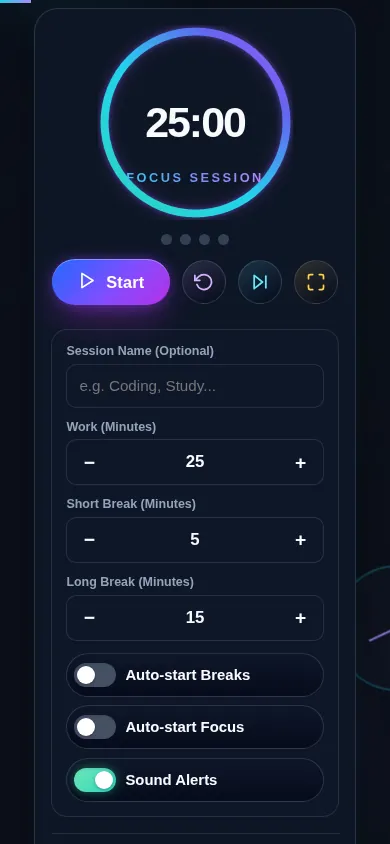
Yes. On a narrow screen the two-column layout stacks into one: the progress ring, the session-cycle dots, and the Start, Reset, Skip and Fullscreen controls sit at the top, and the interval steppers, auto-start switches, and daily stats follow directly below. Every control meets a 44px touch target, and the fullscreen focus mode still fills the screen.

Pomodoro Timer on a 390px phone: the progress ring, session dots, and Start, Reset, Skip and Fullscreen controls stacked in one column above the interval steppers and auto-start switches
The Pomodoro Timer on a phone — one column, with the ring and Start button in the first screen.

Still have questions?

If you can't find the answer you're looking for, feel free to contact our support team.

Contact Us