Convert CSV to JSON — privately
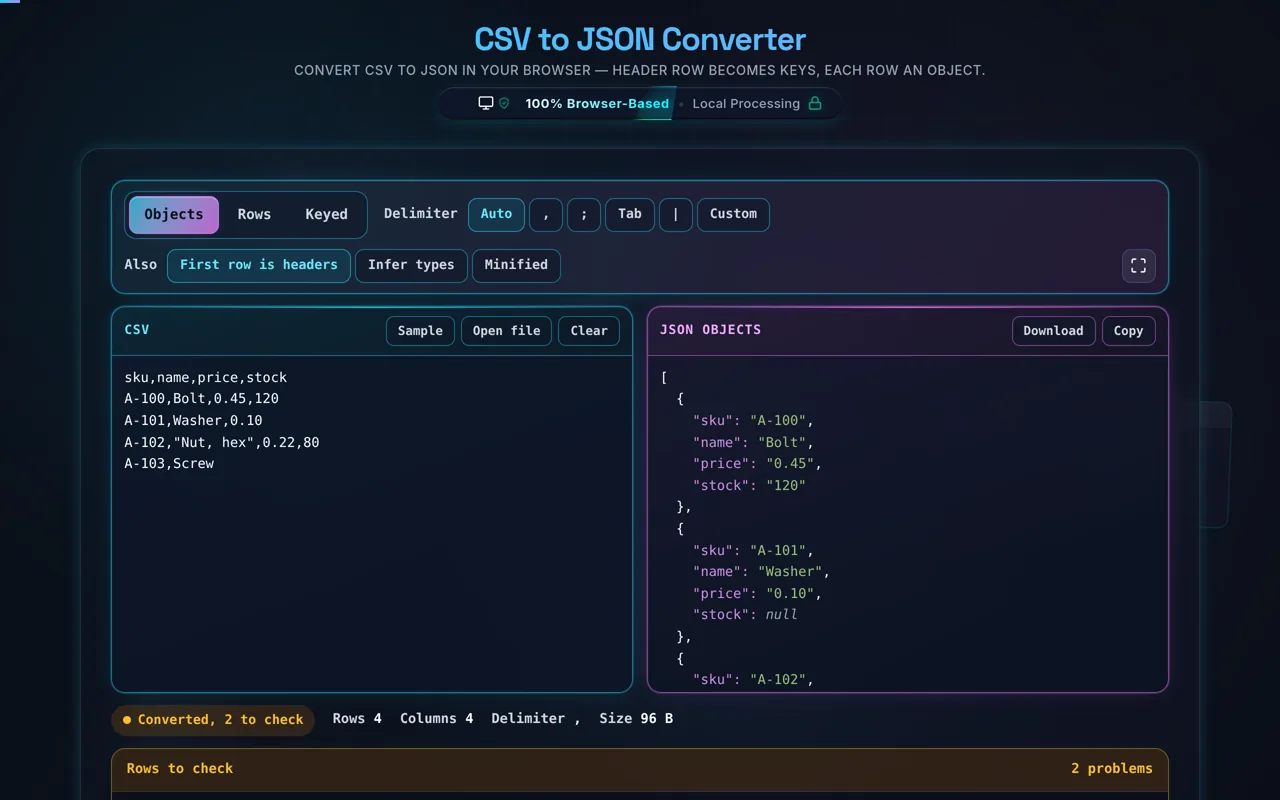
CSV to JSON converts tabular CSV data into JSON. The header row becomes the keys, and each following row becomes a JSON object — so the output is an array of objects. This one runs entirely in your browser, so your CSV is never uploaded, and it handles quoted fields correctly.
CSV is how spreadsheets and databases export tabular data, but most code and APIs want JSON. This converter bridges the two: it reads your CSV and turns the header row into keys and each data row into an object, producing a clean array of objects ready to drop into your app.
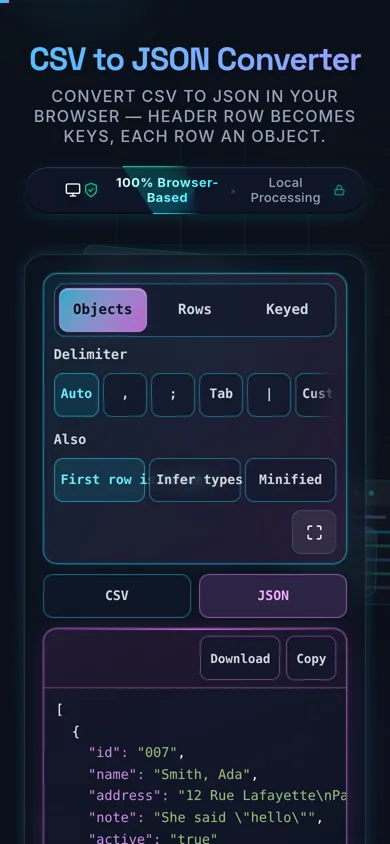
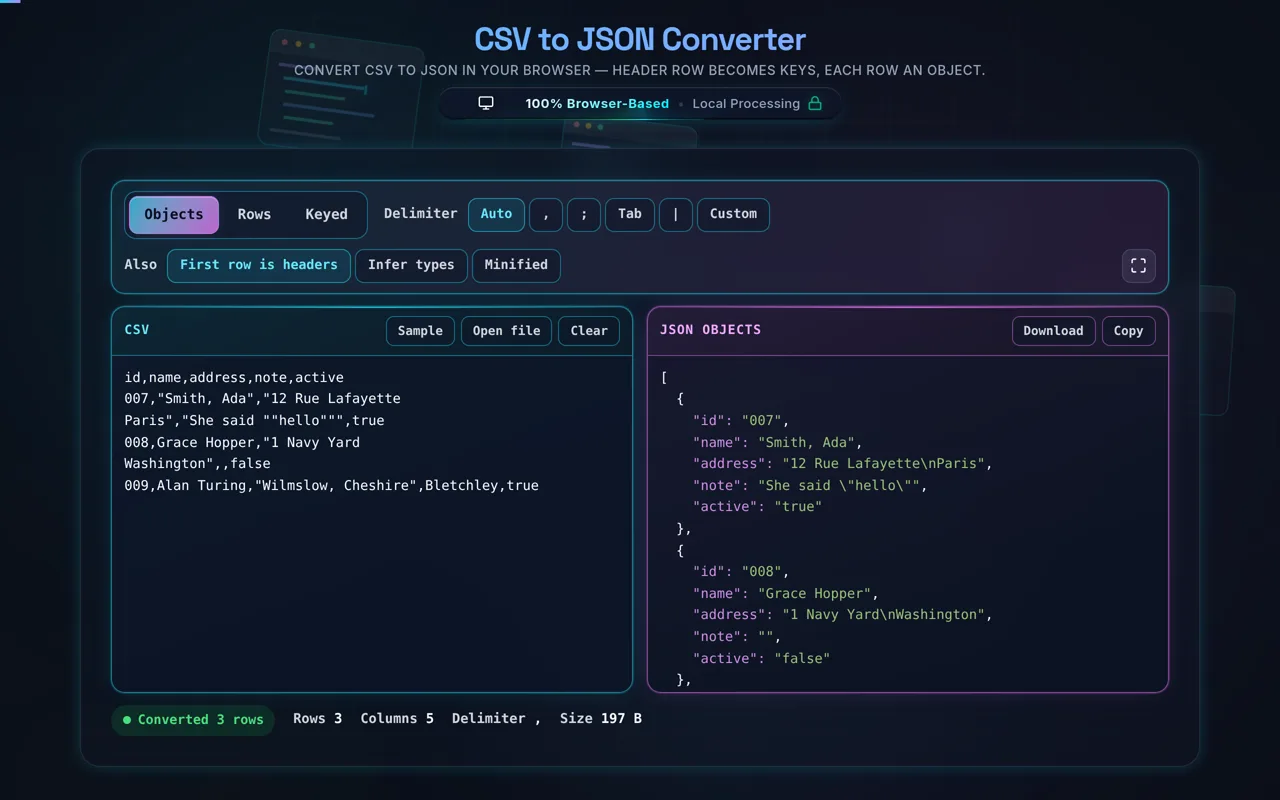
Paste your CSV or load a local file, set the delimiter (comma, semicolon, tab, or a custom character), choose whether the first row is a header, and optionally enable type inference to convert numbers and booleans (otherwise everything stays a string). The parser follows RFC 4180, so it correctly handles quoted fields that contain commas, quotes (escaped as ""), or even embedded newlines. Output can be pretty-printed or minified, and you can copy or download it, along with a row/column count.
Privacy is the point. Everything runs in your browser — no server, no upload, no logging, no tracking. CSVs frequently hold real data: customer exports, financial records, spreadsheets. Here, none of it leaves your device, and the tool works offline once loaded.
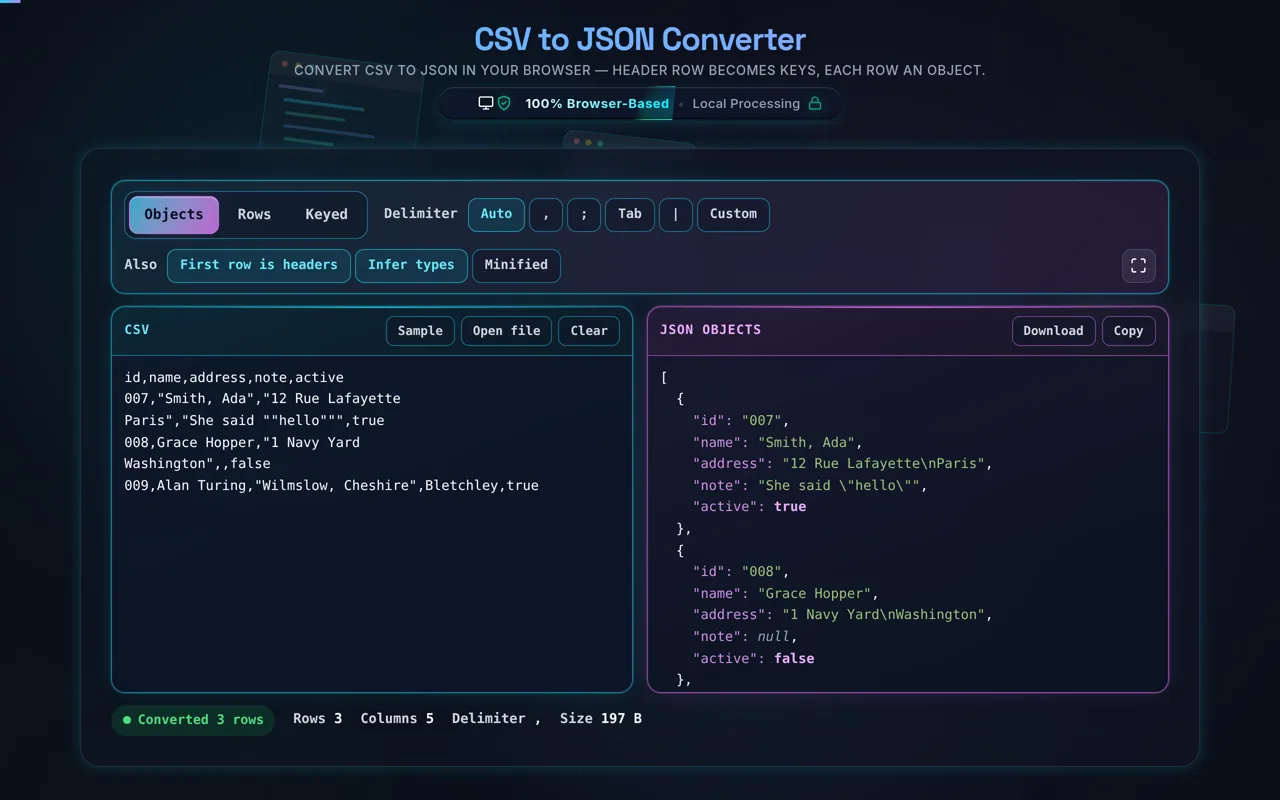
Two honest notes worth knowing. First, CSV is only loosely standardised — delimiters, quoting, encodings, and line endings vary between tools — so while this converter follows RFC 4180 and lets you pick the delimiter, unusually formatted CSV may need a tweak. Second, type inference is a heuristic: turning it on can silently misread values like ZIP codes, phone numbers, or IDs with leading zeros (01234 becoming 1234) as numbers. When identifiers matter, keep values as strings.
Rows that do not fit are named, not counted. A CSV whose rows have different numbers of fields is the normal case with hand-edited data, and the converter still produces JSON — missing fields become null, extra ones become column6 and onward — while the panel underneath lists each row by its number in the file and what it found there. In Keyed output, where each row is filed under its first column, two rows sharing a key means one silently replaces the other; that is reported the same way, naming both rows.
Two more details that decide whether the output is right. Auto picks the delimiter by consistency across lines rather than by whether a character appears somewhere — one semicolon inside one quoted sentence should not re-read the whole file. And Infer types converts a value only when JSON would write it back identically, so 007, +44 20 and 0x10 stay strings even with inference on, and a 19-digit account number is not quietly rounded into a float.
For the reverse, see JSON to CSV; to tidy the output, the JSON Formatter.
Reading test data out of a web page instead? The Tables & Lists page on QA Playground is built for practising that with Selenium or Playwright.