Frequently Asked Questions
What are Randomly.online's developer tools?
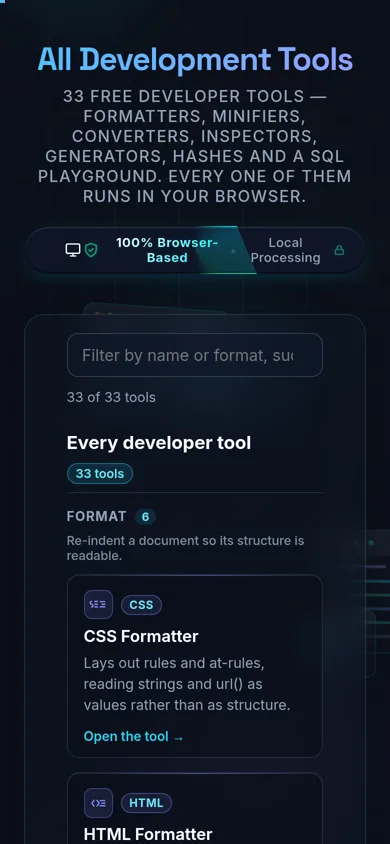
A collection of 33 free, browser-based utilities for developers — formatters, minifiers, converters, encoders/decoders, generators, validators/testers, security/hashing tools, and a SQL playground. Each one is a standalone page that does one job well, and every one of them processes your input entirely on your own device.
Are these online developer tools safe for sensitive data?
Yes, structurally. Every tool runs in your browser with no server-side processing, no save feature, and no logging of what you paste — there's no server-side store to leak. That matters because online formatters and beautifiers with a *save/share* feature have historically been the ones where saved documents were later found exposed; a tool with nothing stored server-side has nothing there to breach.
Do these tools upload my code or files anywhere?
No. Every tool processes input with JavaScript running on your own device — nothing is transmitted to a server. You don't have to take that on faith: open your browser's DevTools, switch to the Network tab, use any tool here, and you'll see the page and its assets load, then nothing else.
Are the developer tools free, and do I need an account?
Yes and no — free, and no account. No signup, no email, no trial period, no watermark, and no paid tier on any of the 33 tools. Because everything runs client-side, there's no usage metering to gate behind a subscription.
Do the tools work offline?
Yes, after the page has loaded. Once a tool's page and its assets are in your browser, it keeps working with your network disconnected — useful on a locked-down machine or a flaky connection. A cold visit with no network at all won't load the page in the first place, since there's no offline-first service worker on the site yet.
Which tool do I need for my task?
It depends on what you're doing to the data. Formatters make dense code readable; minifiers do the opposite for production; converters move data between formats (CSV↔JSON, Markdown↔HTML, and more); encoders/decoders handle wire formats like Base64 and JWTs; generators produce UUIDs, passwords, and placeholder data; validators/testers check correctness before you ship; security/hashing tools compute digests locally. Browse the grouped list below, or use the search box.
What's the difference between a formatter, a minifier, and a validator?
A formatter re-indents and beautifies code so a human can read it. A minifier does the reverse — strips whitespace and comments to shrink file size for production. A validator checks that the syntax is actually correct and points you to the exact error, without changing the content at all. All three are represented here as separate, purpose-built tools rather than one tool trying to do everything.
Do I need to install anything or run Docker?
No. Every tool is a normal web page — no desktop app install, no container, no local server to stand up. That's the practical middle ground between ad-heavy hosted formatter sites and the privacy-respecting desktop or self-hosted tools that require more setup than opening a browser tab.
Is there a file-size or usage limit?
Not a server-imposed one — there's no server. Practical limits come from your own device: very large inputs are bounded by your browser's memory and CPU rather than by an upload cap or a daily quota. A few individual tools do enforce their own client-side size checks (for example, an upload cap on the SQL Playground) — check that tool's own page for specifics.
Do these work on a phone or tablet?
Yes — they're standard responsive web pages, so any tool here works in a mobile browser the same way it does on desktop, without an app to install. Complex tools with a lot of on-screen controls (like the SQL Playground) are more comfortable on a larger screen, but none require one.
How are hashes, HMACs, and UUIDs generated — is the randomness real?
Yes. The security/hashing and generator tools use your browser's built-in Web Crypto API
(SubtleCrypto for hashing/HMAC, crypto.randomUUID() for UUIDs) — the same cryptographically secure
primitives built into the browser itself, not a custom or simulated implementation. Check each tool's own
page for its specific algorithm coverage.
How can I verify that nothing is being uploaded?
Open your browser's Developer Tools (F12 or right-click → Inspect), switch to the Network tab, and use any tool on this site — paste your data, run the action, and watch the tab. You'll see the initial page load and its assets, and then no further requests as you work. That's the actual test, not just a marketing claim, and it takes about ten seconds.
Still have questions?
If you can't find the answer you're looking for, feel free to contact our support team.