Read what's inside a JSON Web Token — without sending it anywhere
A JWT decoder splits a JSON Web Token into its three dot-separated parts and base64url-decodes the header and payload so you can read the claims. A JWT is encoded, not encrypted — anyone holding it can read it. Decoding is not verifying: this tool runs entirely in your browser and does not check signatures.
A JSON Web Token is three base64url-encoded strings joined by dots: a header saying which algorithm signed it, a payload holding the claims, and a signature. A JWT decoder reverses the first two so you can actually read them. Paste a token here and it decodes as you type — no button to press, no upload, no account.
Two things about JWTs surprise people, and both matter more than any feature list. The first: a JWT is encoded, not encrypted. Base64url is a transport format, not a lock. Anyone who gets hold of your token — in a log file, a browser extension, a screenshot — can read every claim in it without a key or a secret. That is by design, and it is why user emails, roles, tenant IDs, and internal flags should be treated as public the moment they go into a payload.
The second: decoding a token is not verifying it. This tool reads what a token claims; it cannot tell you whether those claims are true. Confirming a token is authentic means checking the signature against the signing secret or public key, and that key is not something you should ever paste into a web page. So this decoder deliberately doesn't ask for one, and it doesn't verify. The Signature view shows you the raw third segment and says so plainly.
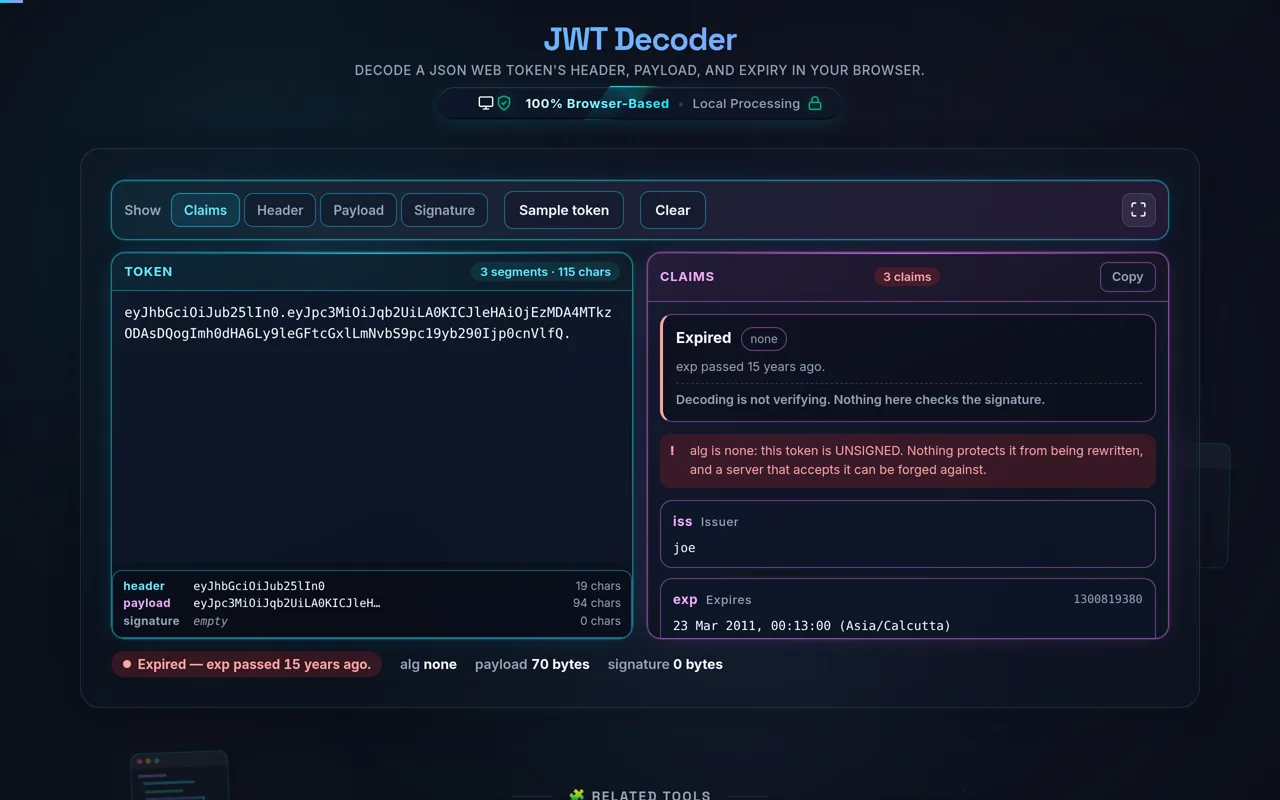
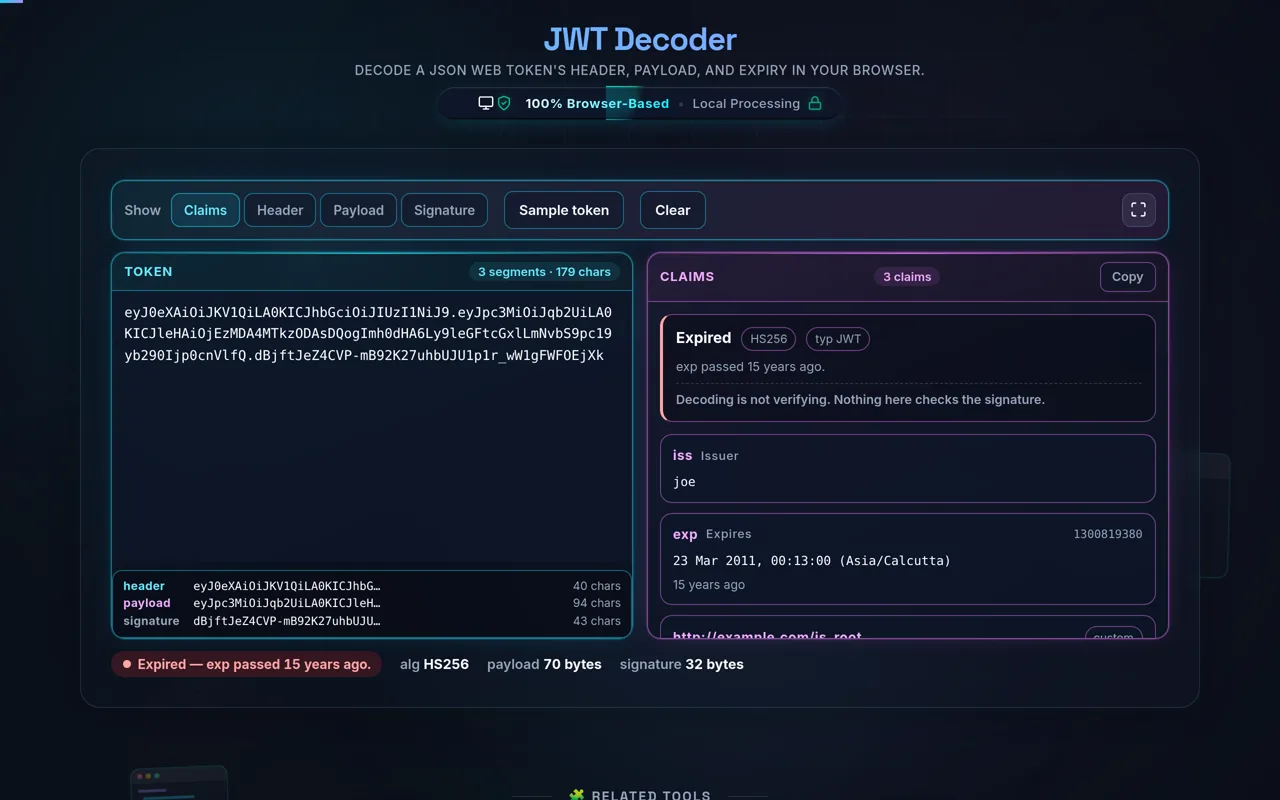
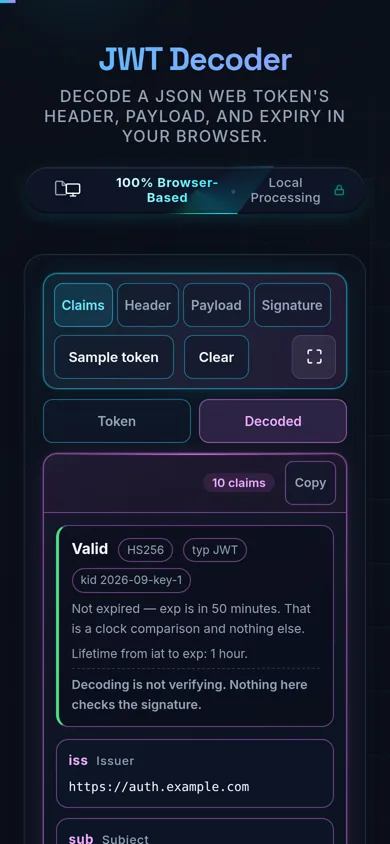
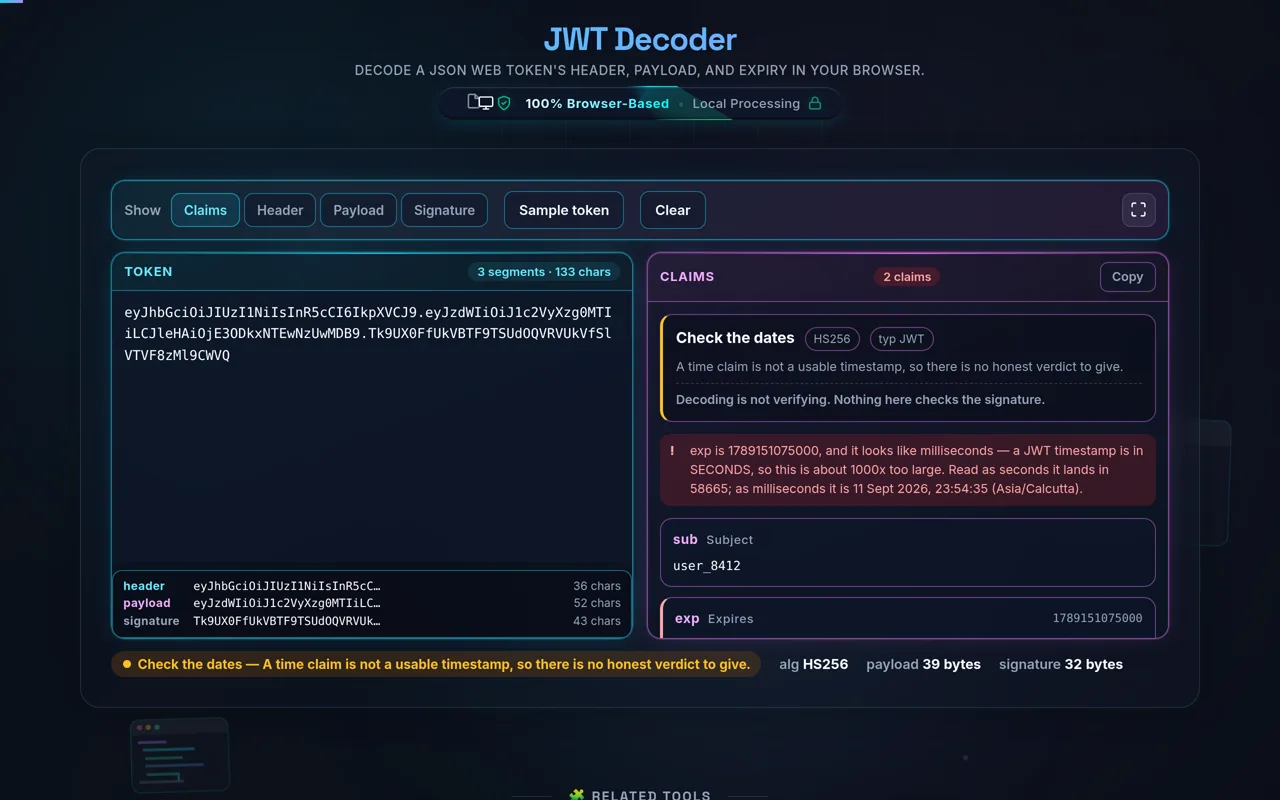
What it does do is fast and useful: four readings of the same token. Claims lists every claim in it, with exp, iat and nbf as real dates in your own time zone, a relative reading like "expired 3 days ago" beside each, and a status of Valid, Expired, Not yet valid or No Expiry. Header and Payload give you the decoded JSON. Signature gives you the raw third segment and its length in bytes. And it says when something is structurally wrong: alg: none is flagged as unsigned, a timestamp written in milliseconds is named rather than read as the year 58665, and a signature that is not the length its algorithm produces is called out.
And it stays on your machine. Everything happens in your browser's JavaScript — the token is never transmitted, and the page keeps working offline. Related: Base64 Encoder/Decoder, Unix Timestamp Converter.
Testing login in a UI suite? The Auth Flows page on QA Playground, our free automation practice site, has a two-step login and a session that expires mid-task for your script to handle.