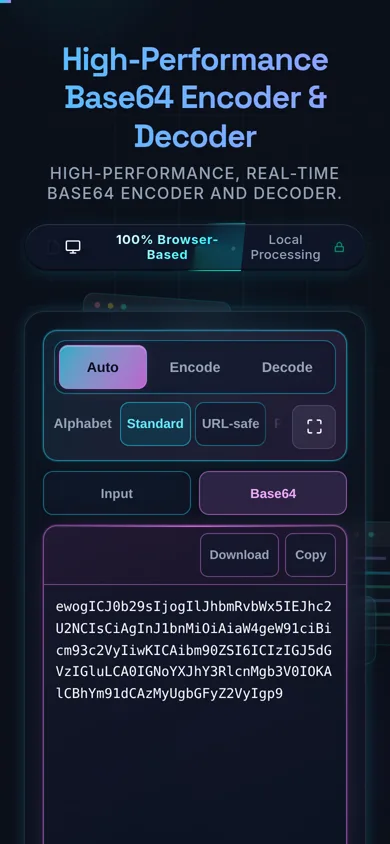
High-Performance Base64 Encoder & Decoder

High-performance, real-time Base64 encoder and decoder.

100% Browser-Based Local Processing
Input (Paste Text, Base64, or Drop File)
Drop file to load...
Processing...
Output
Decoded Image Preview
Processing...
Input Size: 0 Bytes
Output Size: 0 Bytes
Overhead: 0%
Operation: Ready

Frequently Asked Questions

How do I encode text to Base64 and decode it?

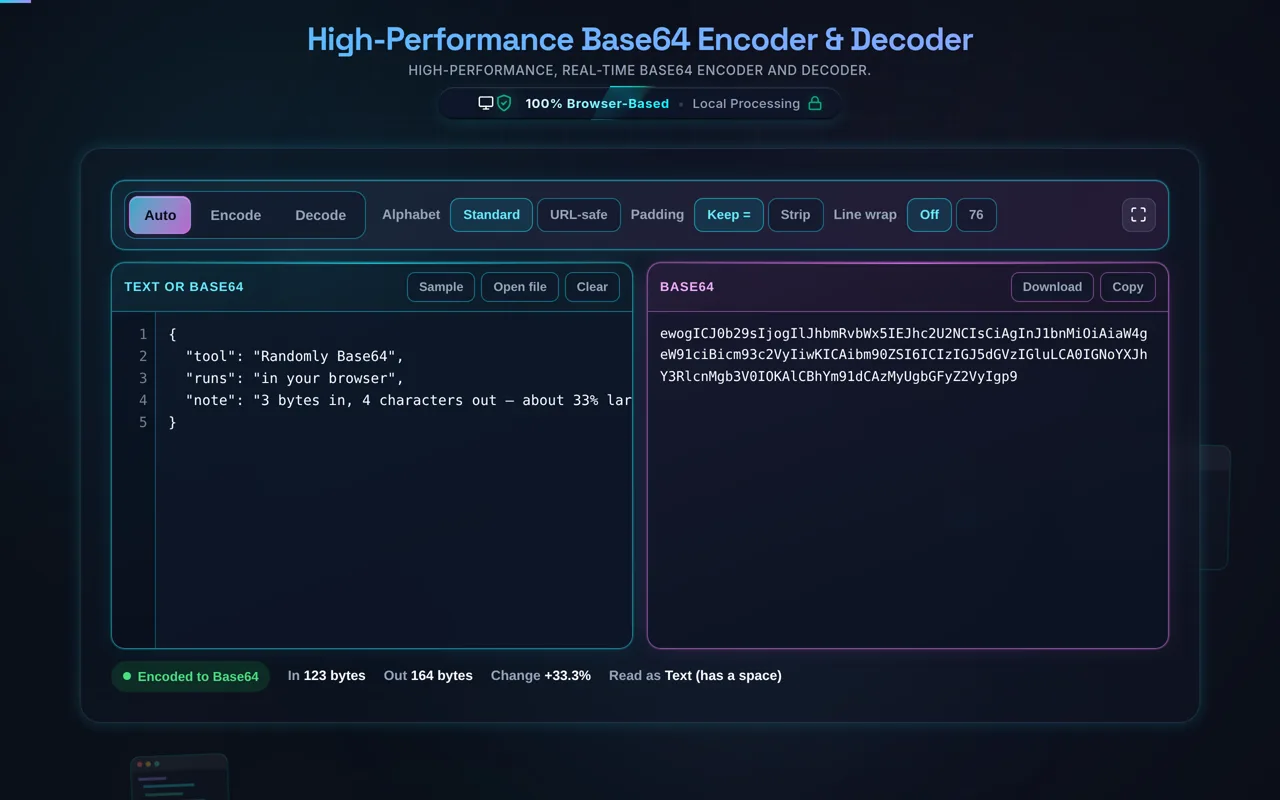
Paste your text (or load a file) and the tool encodes it to Base64 instantly — or, with a Base64 string as input, decodes it back. Use Auto-Detect to guess the direction, or Force Encode / Force Decode to be explicit. Toggle URL-safe mode if the string is for a URL. Then copy or download the result. Everything happens in your browser; nothing is uploaded.

Does this upload my data, and does it work offline?

No upload, and yes it works offline. All encoding and decoding happen in your browser using JavaScript — there's no server receiving your text or files, no logging, and no tracking. That matters because people Base64 tokens, keys, and files. Once the page has loaded it keeps working with no internet connection, which you can confirm in your browser's network tab.

What is Base64 and how does it work?

Base64 represents binary data as text using a 64-character alphabet (A–Z, a–z, 0–9, +, /). It takes your bytes three at a time — 24 bits — and splits them into four 6-bit groups, each mapped to one character, padding the end with = when the input isn't a multiple of three bytes. The result is plain ASCII that can travel safely through text-only channels like email and JSON.

Is Base64 encryption or secure?

No — this is the most common misconception. Base64 is an encoding, not encryption. It doesn't hide, scramble, or protect anything: anyone can decode a Base64 string in one click and read the original data. It exists to move binary safely through text channels, not to keep secrets. If you need to protect data, use real encryption — Base64 offers zero security.

What's the difference between standard and URL-safe Base64?

The alphabet. Standard Base64 uses + and /, which have special meaning in URLs and filenames. URL-safe Base64 (Base64url) swaps those for - and _, and often drops the = padding, so the string is safe to drop into a URL, query parameter, or filename. The catch: decode with the same variant used to encode, or the +/ versus -_ characters won't line up.

Can I encode images and binary files to Base64?

Yes. Load a local file — an image or any binary — and the tool reads it in your browser and encodes it to Base64, without uploading. This is exactly how data URIs work: you can take the result and embed an image directly in HTML or CSS as data:image/png;base64,…. Just remember Base64 adds about 33% to the size, so large files make large strings.

What does Auto-Detect do?

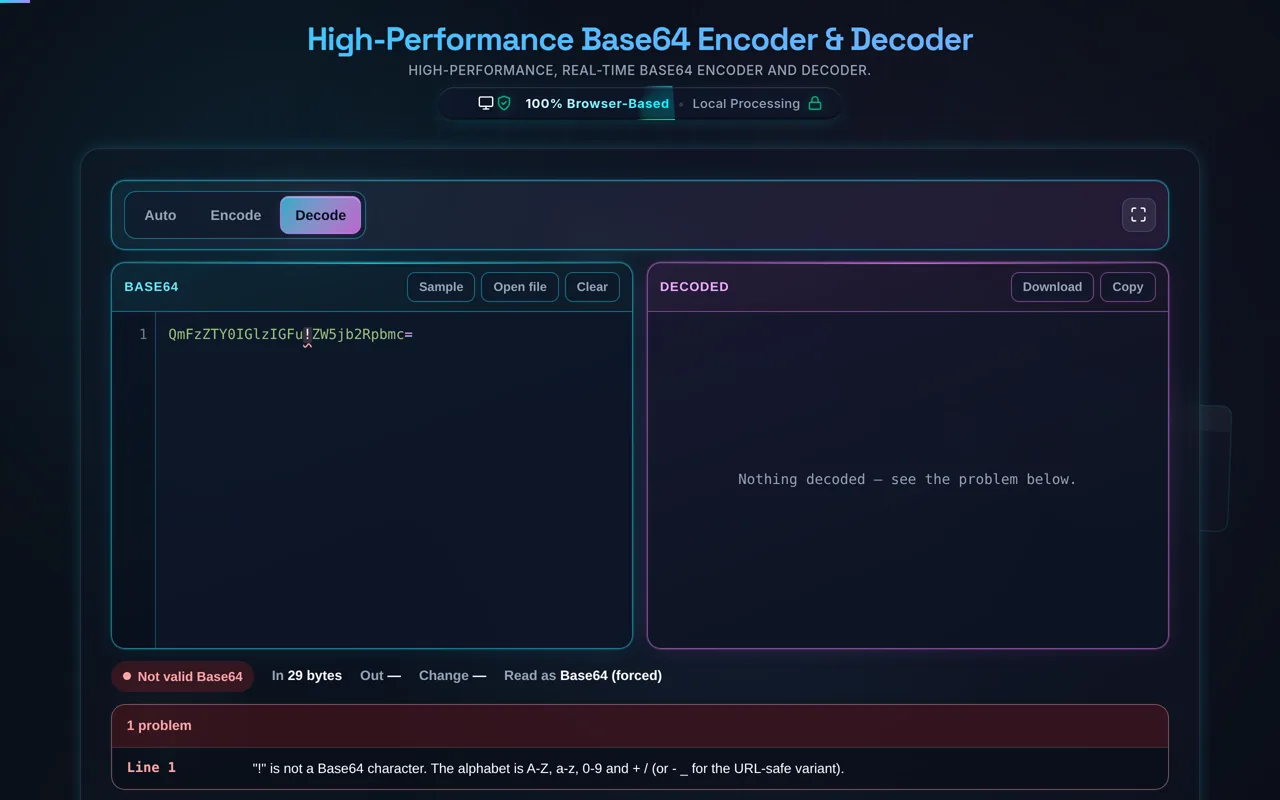
Auto-Detect inspects your input and guesses whether you want to encode or decode, so you don't have to set the mode manually for the common cases. If the input looks like valid Base64, it decodes; otherwise it encodes. When the guess isn't what you want — or your text happens to look like Base64 — switch to Force Encode or Force Decode to make the direction explicit.

Why does Base64 make data bigger?

Because it trades size for text-safety. Every 3 bytes of input become 4 output characters, so the result is roughly 33% larger than the original (before padding). That's the cost of representing arbitrary bytes using only 64 printable characters. Base64 is for safe transport and embedding, not compression — if size matters, compress the data first, then Base64 the compressed bytes.

What is Base64 padding (the = signs)?

Padding fills the output to a multiple of four characters. Base64 works in blocks of three input bytes producing four characters; when the final block has only one or two bytes, one or two = signs are appended to complete the block. So Hi (2 bytes) encodes to SGk= with a single pad. URL-safe Base64 often omits padding, which is why some strings have no = at all.

Can I decode Base64 back to a file or image?

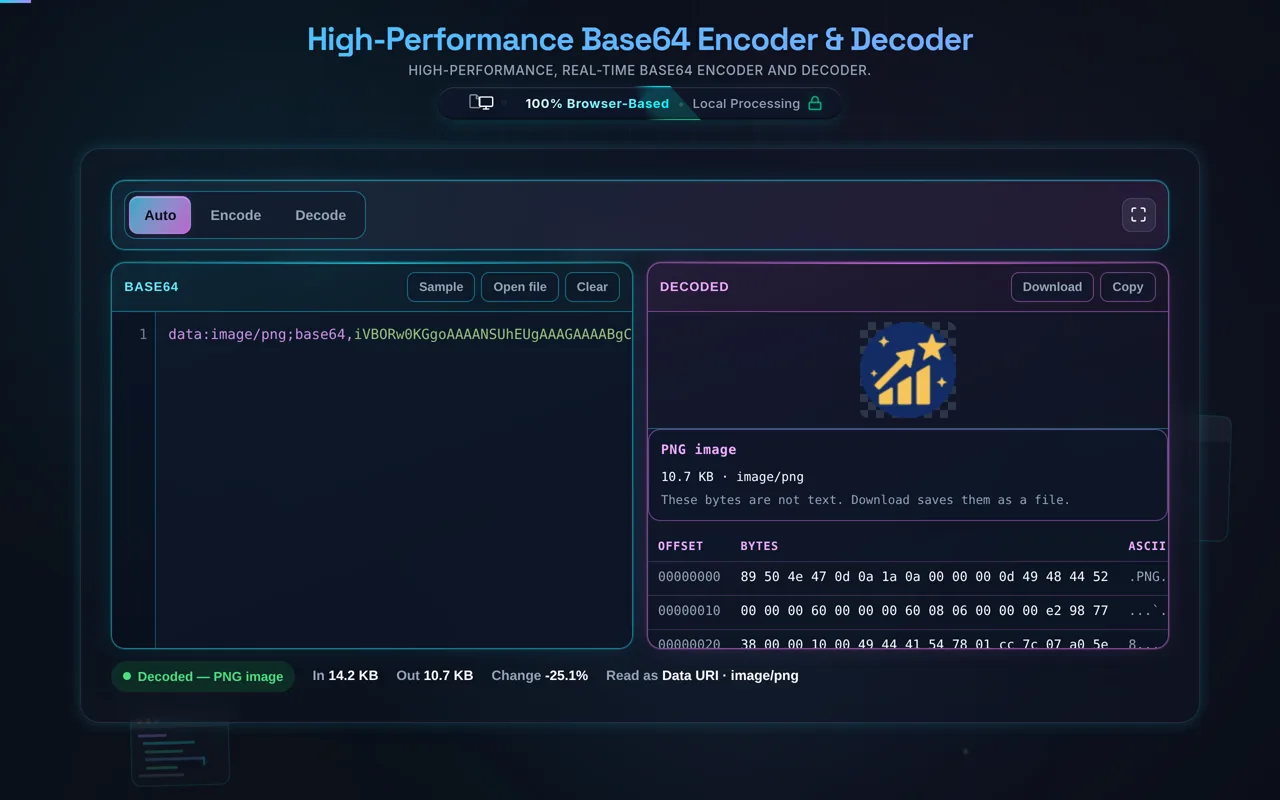
Yes. Paste a Base64 string (or a data URI) and decode it, and the tool reconstructs the original bytes — which you can download as a file. For an encoded image, decoding gives you back the image. This is handy for pulling an asset out of a data URI or checking what an encoded blob actually contains. Use the same variant (standard or URL-safe) it was encoded with.

Can it handle large files?

Usually yes, within your device's limits. Because everything runs locally, the constraint is your browser's memory and CPU rather than a server cap. Small and medium files are instant; very large files produce very large Base64 strings (remember the ~33% growth) and can be slow or memory-heavy. Nothing is uploaded regardless of size — it's purely a matter of local performance.

Is it free, and are there limits?

Yes, completely free — no payment, no signup, no account, and no usage caps or watermarks. Since everything runs in your browser, there's nothing for us to meter; the only practical limit is your device's performance on very large inputs. Use it as much as you like, including offline once the page has loaded.

Still have questions?

If you can't find the answer you're looking for, feel free to contact our support team.

Contact Us

Privacy Focused

🔒 Local Processing. Your code never leaves your device.

Instant Results

🌐 Fully Client-Side. Runs instantly in your browser.

No Signup

⚡ No accounts. No API keys. Just open and use.

Browser Based

🚀 No installs, no CLI, no build step.

How to Use High-Performance Base64 Encoder & Decoder

How to Use the Base64 Converter

Mastering the Conversion Workflow

Using this Base64 tool is designed to be frictionless, thanks to its real-time processing engine and smart auto-detection. Here is a comprehensive guide to navigating its features to maximize your developer workflow.

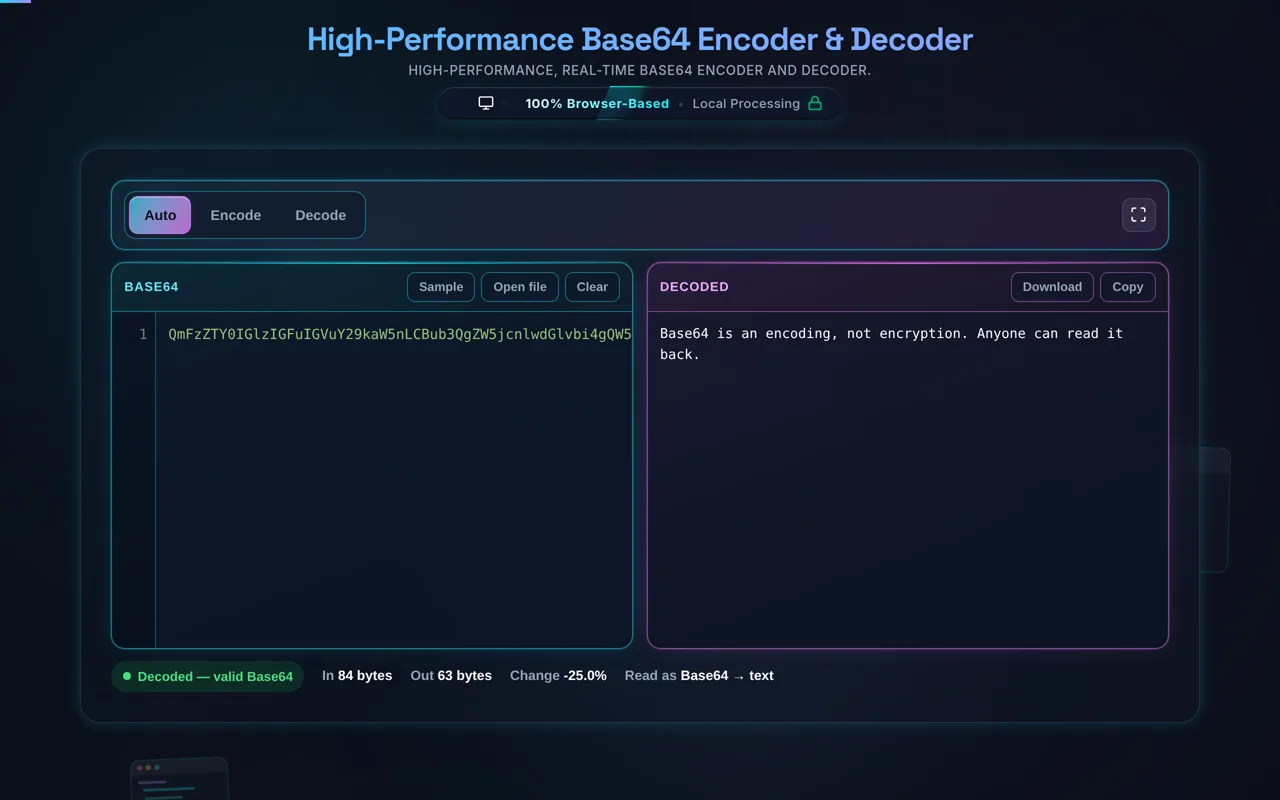
1. Instant Text Conversion: By default, the tool operates in "Auto-Detect" mode. Simply click into the left input pane and paste your text or Base64 string. The engine instantly analyzes the structure of your payload. If it detects valid Base64 syntax—especially strings ending with padding characters (`=`)—it will automatically decode the string and present the readable text in the right pane. Conversely, if you paste raw text or JSON, the system shifts to encode mode, generating the Base64 equivalent instantly. If auto-detection gets confused by a string that happens to be valid Base64 but is meant to be encoded, manually select "Force Encode" from the Mode dropdown above the toolbar.

2. File Processing via Drag & Drop: The true power of this environment lies in file handling. You can drag any binary file—such as a `.png` image, a `.pdf` document, or a compressed archive—directly over the left pane. The drop zone will activate visually. Once dropped, the system reads the file locally, converts the raw binary data into a Base64 string, and generates a formatted output complete with the proper `data:[mime-type];base64,` header prefix. This makes the output ready to be instantly pasted into CSS backgrounds or HTML `src` attributes.

3. Advanced Settings Configuration: Utilize the toolbar to format the output for specific protocols. Check URL Safe to substitute the standard `+` and `/` characters with `-` and `_`, ensuring your encoded data won't break when appended to web URLs. The Remove Padding option strips the trailing `=` signs, often required by strict backend validators or token structures like JWTs. If you are preparing data for MIME email attachments, checking Wrap Lines ensures the Base64 string is correctly split every 76 characters to maintain SMTP compatibility.

4. Exporting and File Reconstruction: After transformation, utilize the "Copy" button to instantly move the result to your clipboard. If you have pasted a Base64 string that represents a file (like an image), the decoder will reconstruct the binary data. If the engine detects a known image signature, it will present a visual preview in the right pane. Clicking "Download" will save the reconstructed binary file to your local machine, automatically restoring its original file extension based on MIME type analysis.

Deep Dive into Base64 Encoding

Deep Dive into Base64 Encoding

What is Base64 encoding and why is it used in modern web development?

Base64 is a fundamental binary-to-text encoding scheme utilized across computer networks to represent complex binary data (like images, compiled documents, or encrypted sequences) as a printable string of ASCII characters. The "64" refers to the specific alphabet used: 26 uppercase letters, 26 lowercase letters, 10 digits, and two additional symbols (usually `+` and `/`). When systems transfer data over protocols originally designed for plain text—most notably SMTP for email, or legacy HTTP configurations—transmitting raw binary data can lead to corruption because special control characters might be misinterpreted by routing systems.

In modern web development, Base64 is heavily utilized for embedding assets directly into source code to optimize load times. For example, instead of forcing a browser to make a separate HTTP request to fetch a small icon, a developer can Base64 encode the image and embed it directly into the CSS file using a Data URI (`background-image: url(data:image/png;base64,...)`). This reduces the number of initial server handshakes, improving perceived page load speeds. Furthermore, it is the structural foundation for JSON Web Tokens (JWT), where the header and payload claims are Base64Url encoded to safely traverse HTTP headers during API authentication processes. While incredibly useful, developers must account for the ~33% size overhead introduced during the mathematical conversion process, which is why it is generally reserved for small payloads.

How does URL-safe Base64 differ from standard Base64 encoding?

Standard Base64 encoding relies on an alphabet that includes the plus (`+`) and forward slash (`/`) characters, with the equals sign (`=`) utilized as a padding suffix to guarantee the final string length is a multiple of four. While this standard is universally accepted in environments like email MIME formatting or internal data serialization, it presents significant structural conflicts when the encoded data needs to be transmitted via web URLs or RESTful API endpoints. In the context of a URL, the `+` character is interpreted by web servers as a literal space, and the `/` character acts as a path delimiter demarcating directory structures.

To safely transmit Base64 encoded strings within query parameters or URL paths, developers utilize "URL-safe Base64" (often standardized in RFC 4648). This variant applies a simple character substitution algorithm: every `+` is replaced by a hyphen (`-`), and every `/` is replaced by an underscore (`_`). These replacement characters are inherently safe for URLs and do not trigger unexpected server-side parsing behavior. Additionally, URL-safe implementations often strip the trailing `=` padding characters entirely, as they are non-essential for programmatic decoding and take up unnecessary space. Our tool includes a one-click toggle to automatically perform this URL-safe translation, ensuring your payloads are immediately ready for network routing without manual regex cleanups.

Is Base64 encoding a secure method for encrypting sensitive data like passwords?

A critical and surprisingly common misconception among novice developers is conflating "encoding" with "encryption". Base64 encoding provides absolutely zero security, confidentiality, or cryptographic protection for sensitive data. It is purely a format translation tool—translating data from a binary format into a textual format. The algorithm used to perform this translation is universally public, deterministic, and identical across all systems globally. Consequently, anyone who intercepts a Base64 encoded string can instantly decode it back to its original state using standard library functions like `atob()` or tools exactly like the one provided on this page.

If you are handling sensitive user information—such as account passwords, financial data, or personal identification details—you must never rely on Base64 to obscure it. Instead, you must implement strong cryptographic processes. For storing passwords in a database, the data should be run through a secure, salted, one-way hashing algorithm like bcrypt, Argon2, or SHA-256 (which you can test via our Hash Generator). For transmitting sensitive data between systems, it must be encrypted using strong symmetric or asymmetric ciphers (like AES or RSA) over a secure TLS/HTTPS connection. Base64 is only utilized *after* the cryptographic process is complete; the resulting encrypted binary payload is then Base64 encoded so it can be safely appended to a JSON API response or text file without corruption. Security requires mathematics, not just translation.
Need a hand?

Still have questions?

If you can't find the answer you're looking for, feel free to contact our support team.

Contact Us