UUID Generator

Instantly generate universally unique identifiers (UUIDs) versions 1, 3, 4, and 5.

100% Browser-Based Local Processing

Generation Controls


Validate UUID

Waiting for input...
Paste a UUID to identify its version and variant.

Generated Output

Privacy Focused

🔒 Local Processing. Your code never leaves your device.

Instant Results

🌐 Fully Client-Side. Runs instantly in your browser.

No Signup

⚡ No accounts. No API keys. Just open and use.

Browser Based

🚀 No installs, no CLI, no build step.

About The UUID Generator

Universally Unique Identifiers (UUIDs), also known as GUIDs, are 128-bit identifiers designed to guarantee uniqueness across space and time without requiring a centralized registration authority. Our free online UUID Generator provides a developer-focused, zero-latency environment designed strictly around the RFC-4122 specification. Whether you are scaffolding a new database, setting up primary keys, or assigning tracking IDs in distributed systems, this tool generates valid compliant formats immediately within your browser.

Unlike server-side generators, this application functions 100% locally. It means absolute privacy, zero network delay, and the ability to process bulk generation—creating up to 10,000 UUIDs instantly. If you deal with extensive string manipulations, you might also find our Text to Binary Converter or our Hash Generator highly complementary to your data processing workflow.

How to Use UUID Generator

Step-by-Step Guide

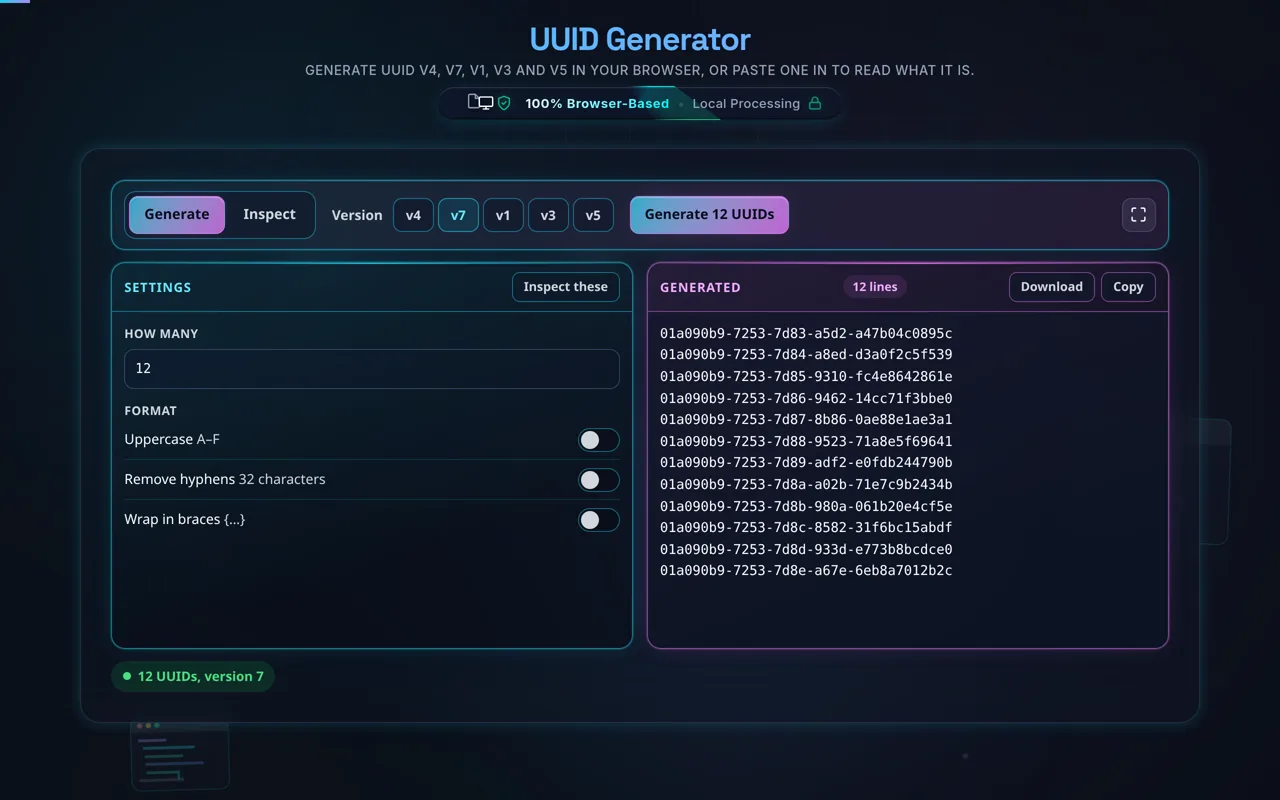
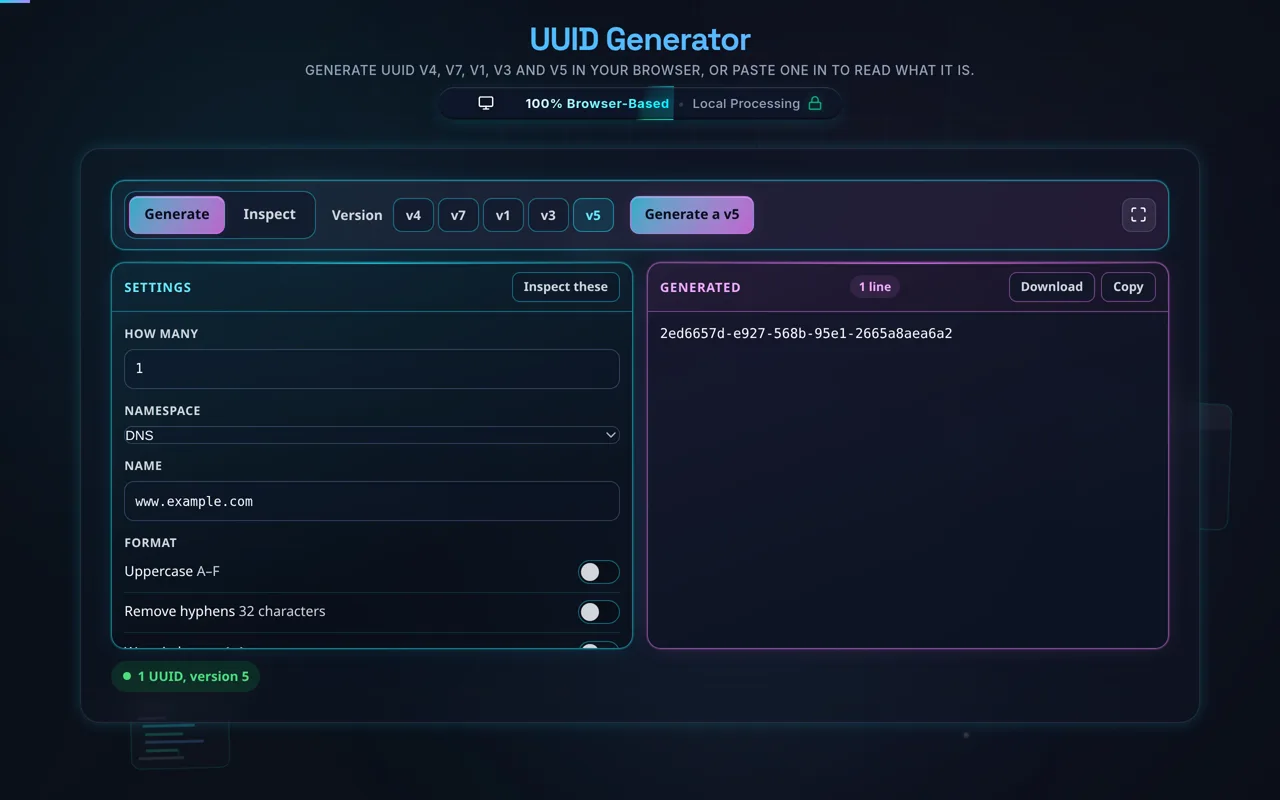
1. Select the Version: Choose between Version 1 (Time-based), Version 4 (Randomized - most common), Version 3 (MD5 Deterministic), or Version 5 (SHA-1 Deterministic). If using v3 or v5, you will be prompted to enter a specific Namespace ID and a Name string. For standard web and app development, v4 is generally recommended.

2. Configure Options: Specify the batch quantity. You can generate a single UUID or thousands simultaneously. You can also customize the output format by toggling "Uppercase output" or "Remove hyphens" depending on the strictness of your database schemas or API contracts.

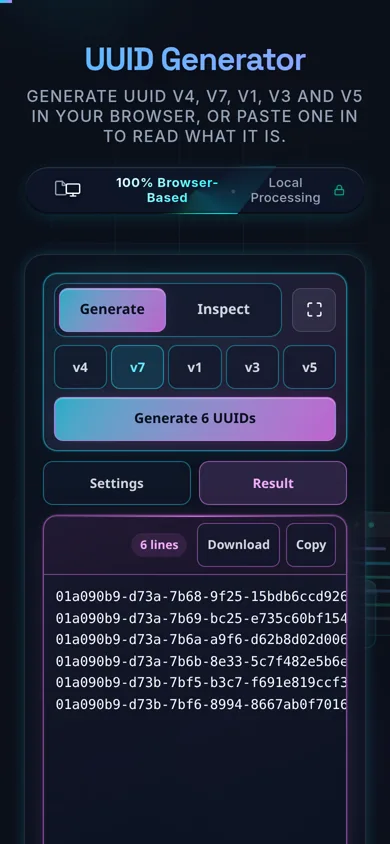
3. Generate and Export: Click the "Generate UUID(s)" button. The IDs will populate instantly. Use the 'Copy All' button to send them directly to your clipboard, or use the 'Download .txt' feature to save the bulk list directly to your local machine.

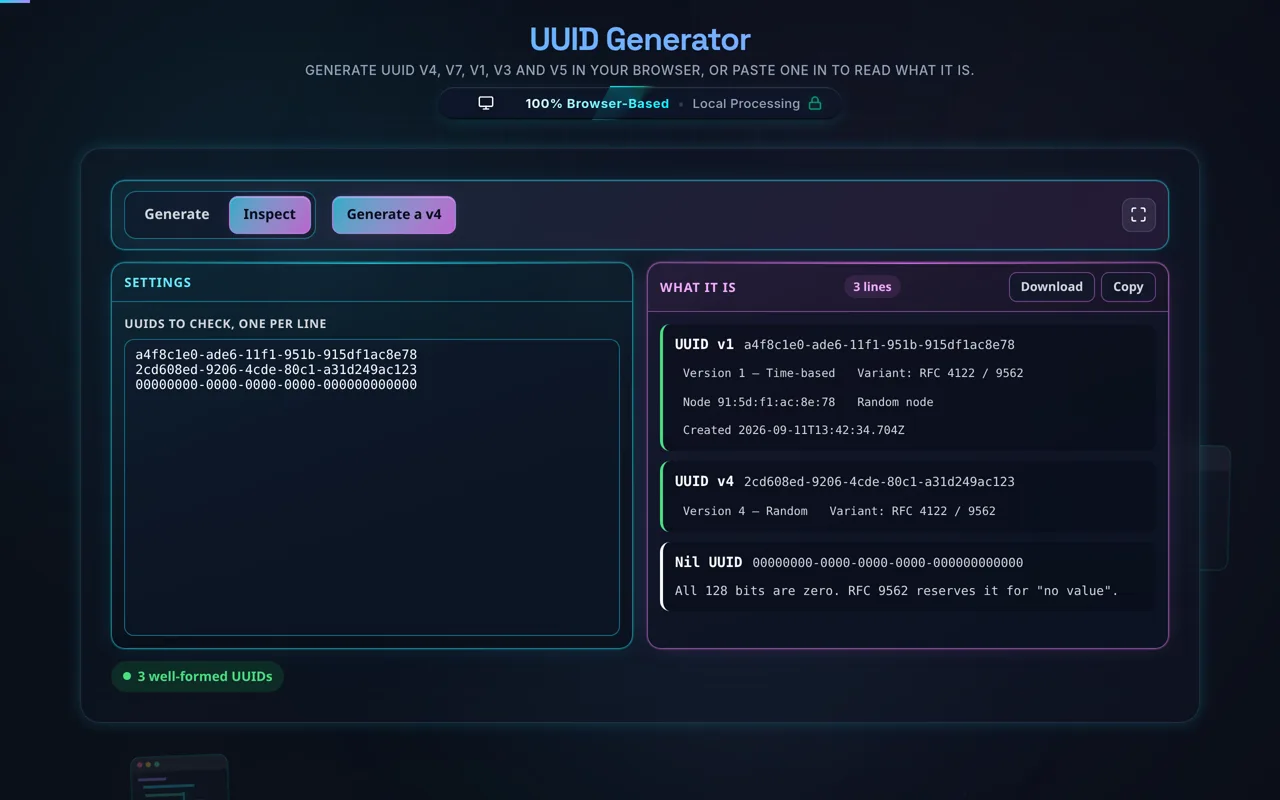
4. Validation: Paste any existing UUID into the validation box at the bottom of the control panel. The tool will instantly parse it, check it against standard formatting rules, and reveal its version number and variant structure.

Frequently Asked Questions

How do I generate a UUID?

Choose a version — v4 (random) is the usual pick — and the tool generates a UUID instantly. For v3 or v5, add a namespace and name; for many at once, set a batch quantity. Adjust formatting (uppercase, no hyphens) if needed, then copy all or download a .txt. Everything happens in your browser; nothing is uploaded.

Does this run in my browser and work offline?

Yes to both. UUIDs are generated entirely in your browser with JavaScript — there's no server involved, no logging, and no tracking. Once the page has loaded it keeps working with no internet connection, so you can generate IDs on a plane or an air-gapped machine. Nothing you generate is ever sent anywhere.

What's the difference between UUID versions 1, 3, 4, and 5?

Version 1 is time-based: it encodes a timestamp and a node identifier. Version 4 is random: 122 random bits with no meaning. Versions 3 and 5 are name-based (deterministic): they hash a namespace plus a name — v3 with MD5, v5 with SHA-1 — so the same inputs always produce the same UUID. v1 is ordered, v4 is unpredictable, and v3/v5 are reproducible. Most applications want v4.

Which version should I use?

For general-purpose unique IDs, use v4 — it's random, unpredictable, and needs no inputs. Use v5 (prefer it over v3) when you need a deterministic ID derived from a name, so the same input reliably maps to the same UUID. Use v1 only if you specifically need time-ordering and don't mind the embedded timestamp. When in doubt, v4 is the safe, standard choice.

Is a UUID guaranteed to be unique?

Not literally guaranteed, but the odds of a collision are astronomically small. A v4 UUID has 122 random bits — about 5.3 × 10³⁶ possibilities — so you'd have to generate billions per second for many years before a duplicate became likely. In practice, treat v4 UUIDs as unique. v3/v5 are unique per distinct name within a namespace, and v1 relies on time plus node to avoid collisions.

Is a v4 UUID random and secure?

The randomness is strong: v4 UUIDs here are generated with crypto.getRandomValues, the browser's cryptographically secure RNG, not the weak Math.random. So a v4 UUID is genuinely unpredictable. That said, "unpredictable" isn't the same as "a secret" — a v4 UUID has 122 bits of entropy, which is a lot, but for passwords, tokens, or keys you should still use a purpose-built secret generator rather than repurposing a UUID.

What are namespace UUIDs (v3 and v5)?

They're deterministic UUIDs derived by hashing a namespace (itself a UUID — DNS, URL, OID, X500, or a custom one) together with a name string. The same namespace and name always produce the same UUID, which is perfect for reproducible IDs — for example, always mapping a given URL to the same identifier. v5 uses SHA-1 and is preferred; v3 uses MD5 and exists mainly for compatibility.

Can I generate many UUIDs at once?

Yes. Set a batch quantity and the tool produces that many UUIDs in one go, applying your formatting to each. Use Copy All to grab the whole list or Download .txt to save it as a file — handy for seeding a database, creating test fixtures, or pre-allocating IDs. Because generation is local, even large batches are fast and never leave your device.

Can I validate or check a UUID?

Yes. Paste a UUID into the validator and it confirms whether the string is a well-formed UUID — the right length, hex characters, hyphen positions, and version/variant bits. This is useful for sanity-checking IDs from logs, APIs, or user input before you rely on them. Note that validation checks the format, not whether the UUID actually exists in your system.

Should I use a UUID as a secret or token?

Generally, no. A UUID is an identifier, designed to be unique, not unguessable. v1, v3, and v5 are partly or fully predictable, so they're unsafe as secrets. A v4 UUID is unpredictable (122 random bits), so it's better than the others, but a dedicated secret from a secret generator — with your chosen length and character set — is the right tool for passwords, API keys, and tokens.

Does UUID v1 leak information?

It can. A v1 UUID embeds the timestamp of when it was created and a node identifier (historically derived from a network MAC address). That means someone reading a v1 UUID may infer roughly when it was generated, and in older implementations, something about the machine. If that metadata shouldn't be exposed, avoid v1 and use v4, which contains no such information.

Is it free, and are there limits?

Yes, completely free — no payment, no signup, no account, and no usage caps or watermarks. Since everything runs in your browser, there's nothing for us to meter; the only practical limit is your device's performance on very large batches. Use it as much as you like, including offline once the page has loaded.

Still have questions?

If you can't find the answer you're looking for, feel free to contact our support team.

Contact Us