Frequently Asked Questions
How do I convert text to binary?
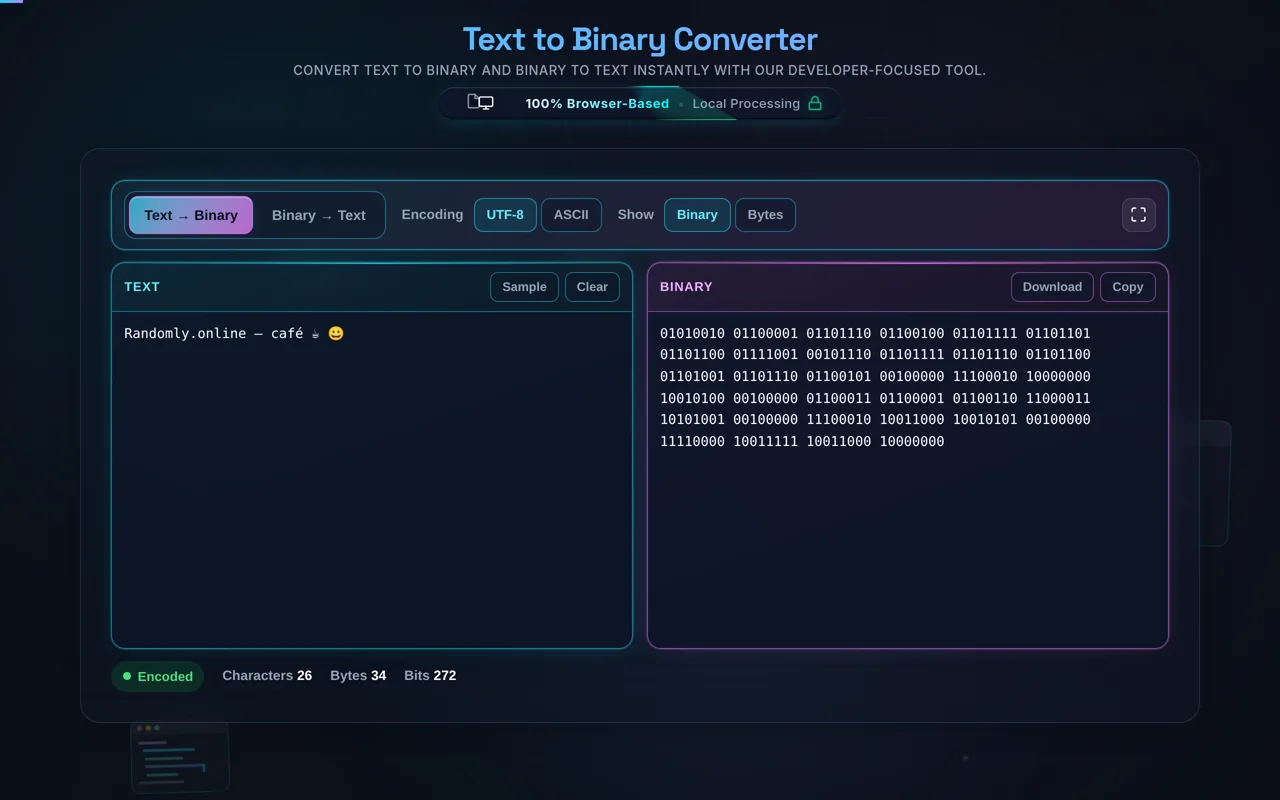
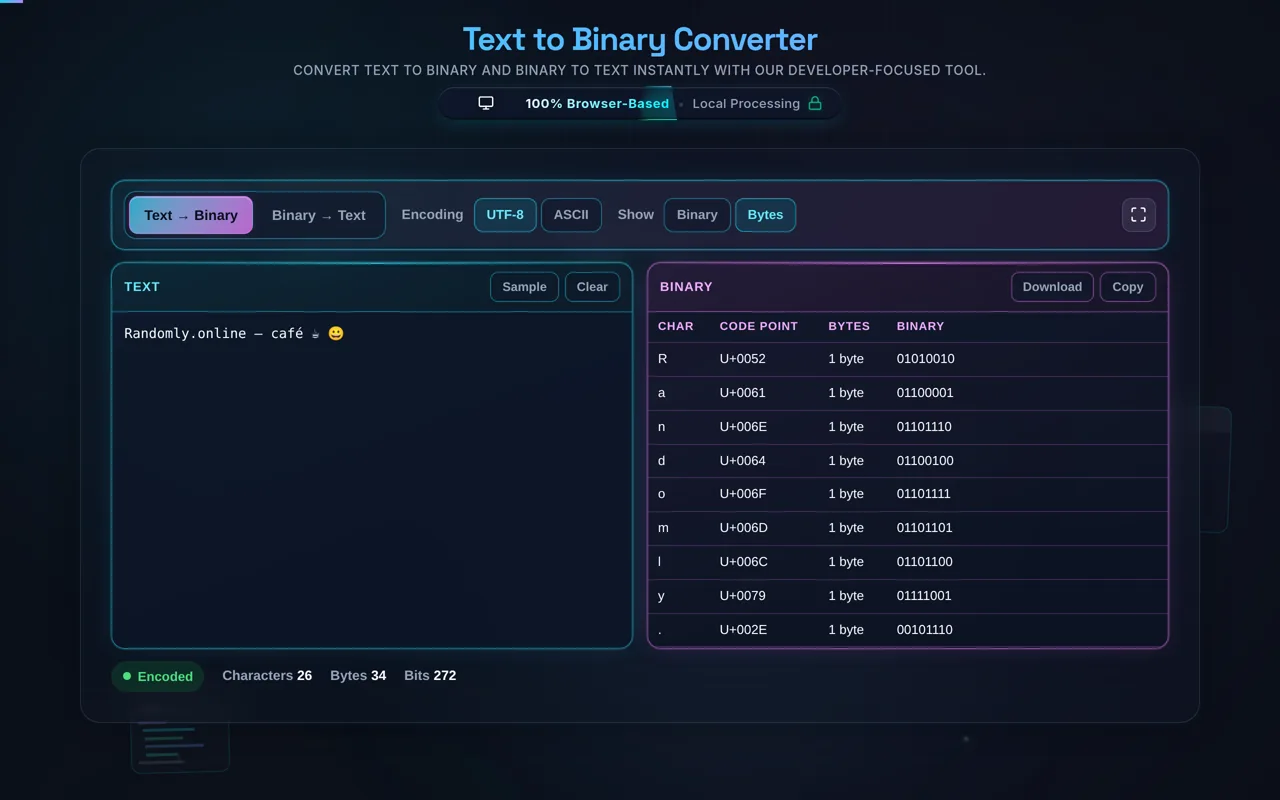
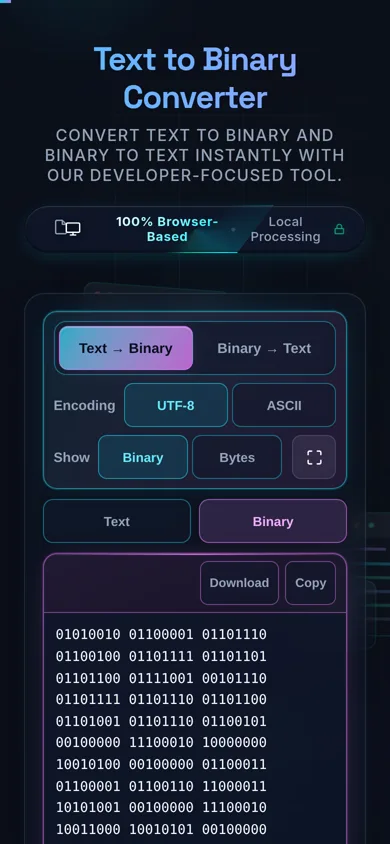
Type or paste your text, choose ASCII or UTF-8, and the tool converts each character to its code point written in base-2, grouped into 8-bit bytes — so A becomes 01000001. A character-inspection view shows the per-character breakdown, and you can copy or download the result. Everything happens in your browser; nothing is uploaded.
Does this upload my text, and does it work offline?
No upload, and yes it works offline. All conversion happens in your browser using JavaScript — there's no server receiving your text, no logging, and no tracking. Once the page has loaded it keeps working with no internet connection, which you can confirm in your browser's network tab. Your input never leaves your device.
How is each character turned into binary?
Every character has a numeric code point — A is 65, a is 97 — and the tool writes that number in base-2. For ASCII characters it pads to 8 bits (one byte), so 65 becomes 01000001. Bytes are separated by spaces so you can read them. Reverse the process and each 8-bit group maps back to the character with that code point.
Can it convert binary back to text?
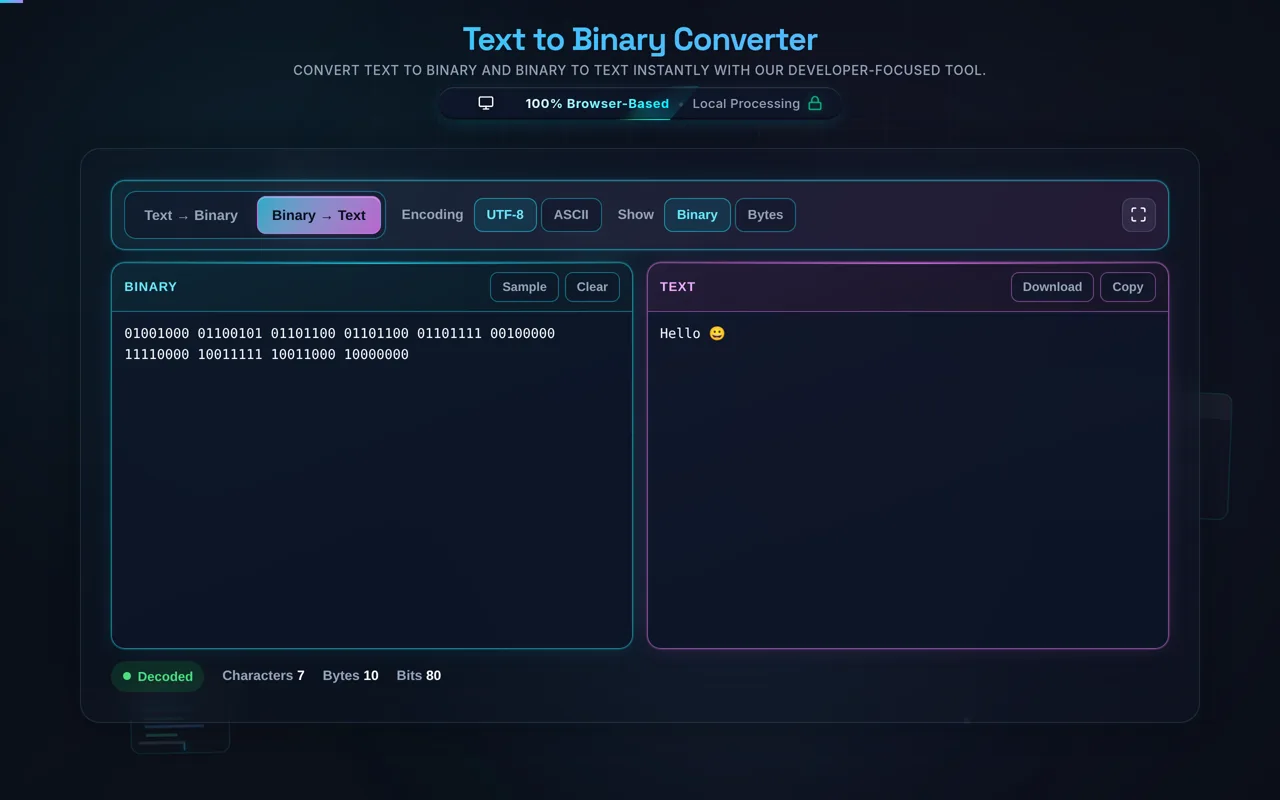
Yes. Enable Reverse (Binary to Text) and paste space-separated 8-bit binary groups — the tool reads each byte and maps it back to a character (ASCII) or decodes the byte stream as UTF-8. This is handy for reading a binary message or checking your own conversion. The reverse works best with clean, valid binary in the same encoding you used to create it.
What's the difference between the ASCII and UTF-8 options?
ASCII represents characters 0–127 — plain English letters, digits, and common symbols — as a single byte each. UTF-8 is a superset that can represent every Unicode character, using one to four bytes depending on the character. Use ASCII for plain text; switch to UTF-8 the moment you have accented letters, non-Latin scripts, or emoji, or those characters won't convert correctly.
Why is the binary grouped into 8 bits?
Because a byte is 8 bits, and one byte is the natural unit for a character in ASCII (and for each code unit in UTF-8). Grouping into 8-bit chunks makes the output readable and easy to convert back — each group is exactly one byte. So Hi becomes 01001000 01101001: two bytes, one per letter, separated by a space.
Is binary encoding the same as encryption?
No — and this is important. Binary is a reversible representation, not encryption. Converting text to binary doesn't hide or secure it; anyone can paste the binary back in and read your text instantly. It's perfect for learning, puzzles, and debugging, but it provides no security whatsoever. If you need to protect data, use real encryption, not a binary (or Base64) encoding.
Does it handle emoji and accented characters?
Yes, with UTF-8 selected. Emoji, accented letters, and non-Latin scripts fall outside ASCII's 0–127 range, so they need UTF-8 — which encodes them across multiple bytes. A single emoji, for example, is often four bytes. If you use ASCII on such input the result will be wrong or incomplete, so choose UTF-8 whenever your text isn't plain English.
What binary format does it expect when converting back?
Space-separated 8-bit groups — the same format the tool produces — for example 01001000 01101001. Each group is one byte. When decoding as UTF-8, the byte stream is decoded as a whole so multi-byte characters reassemble correctly. Malformed input (wrong bit counts, stray characters, or the wrong encoding) can't be decoded cleanly, so keep the binary tidy.
What does character inspection show?
It breaks the conversion down per character, so you can see which byte (or bytes) came from which letter — for example that H maps to 01001000. This makes the tool useful for learning and debugging, not just conversion: you see the code point and its binary side by side rather than one long undifferentiated string.
Can I copy or download the result?
Yes. Copy the binary (or decoded text) to your clipboard with one click, or download it as a file — whichever suits your workflow. There's also a Clear button to reset the fields for the next conversion. As with everything here, copying and downloading happen locally; nothing is uploaded at any point.
Is it free, and are there limits?
Yes, completely free — no payment, no signup, no account, and no usage caps or watermarks. Since everything runs in your browser, there's nothing for us to meter; the only practical limit is your device's performance on very long text. Use it as much as you like, including offline once the page has loaded.
Still have questions?
If you can't find the answer you're looking for, feel free to contact our support team.