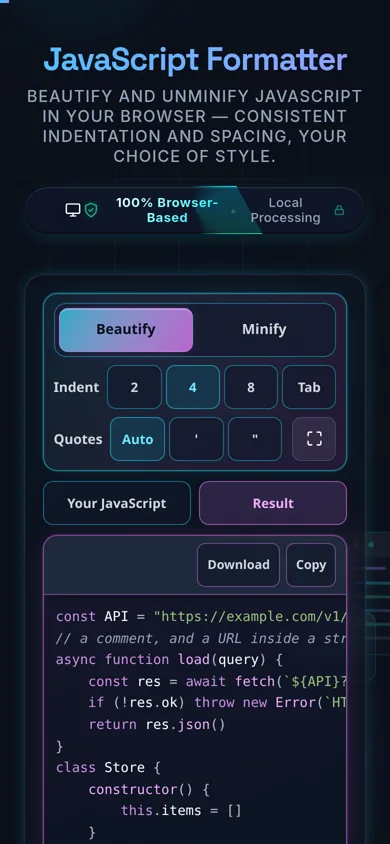
Beautify your JavaScript — cleanly and privately
Direct answer: A JavaScript formatter re-indents and spaces messy or minified JavaScript so it's readable — consistent indentation, line breaks, and spacing around operators and braces. This one runs entirely in your browser, so your code is never uploaded, and it safely leaves strings, regex, and comments untouched.
Minified bundles, one-line snippets, and inconsistently-styled code are all hard to read. A JavaScript formatter (beautifier) restores a clean, consistent layout: sensible indentation, line breaks between statements, and even spacing around operators, braces, and commas — so you can actually follow the logic.
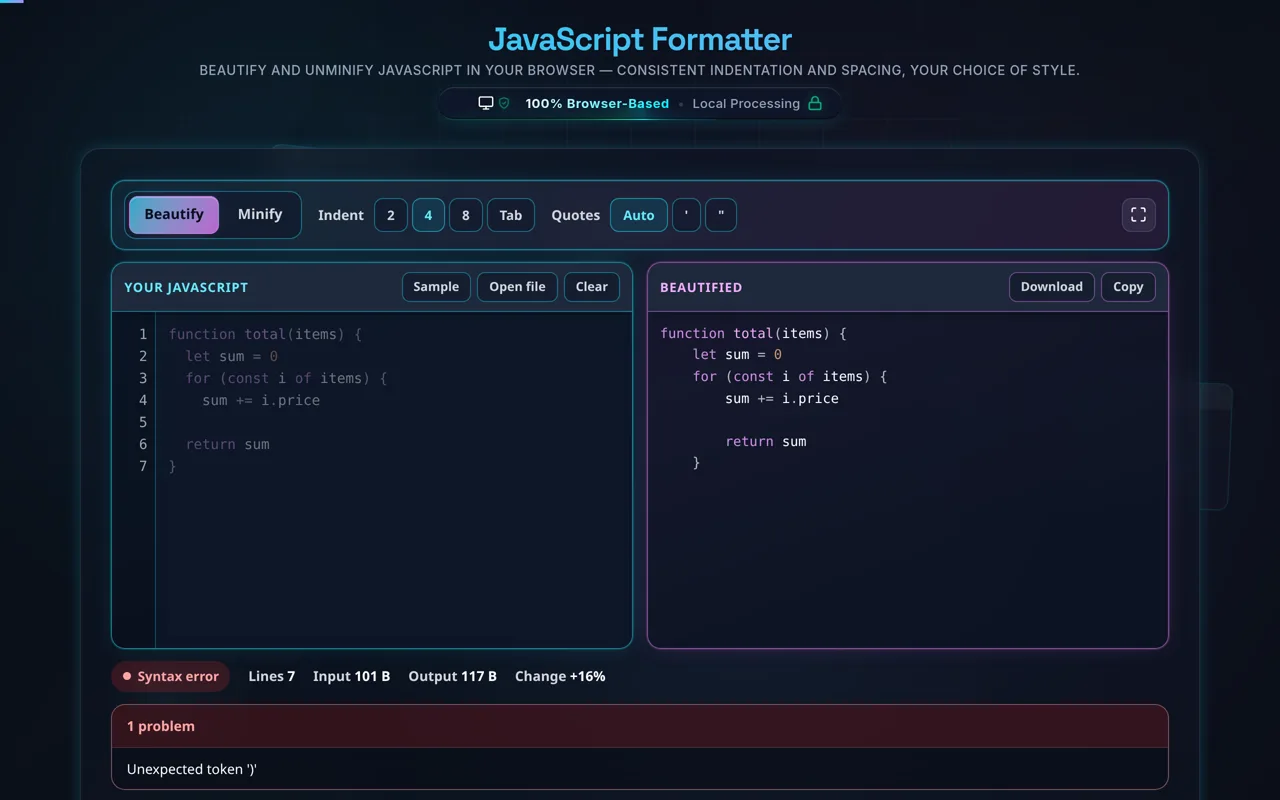
Paste your JavaScript, press Sample to try it on a real file, or use Open file to read a local .js off your disk. Set the indent to 2 spaces, 4 spaces or a tab and the quote style to auto, single or double, and the tool reformats as you type with syntax highlighting and a live byte count. It tokenises the code rather than pattern-matching it, so strings, template literals, regular expressions and comments are read as what they are and their contents are left exactly as written — only the layout around them changes. Copy and Download both take whichever output is on screen.
As always, privacy leads. All formatting happens in your browser — no server, no upload, no logging, and no tracking of your code. Developers paste proprietary logic, client scripts, and minified bundles; here it never leaves your device. The formatter itself is served from this site, not a CDN, so once the page has loaded the tool keeps working with no internet connection at all — install it and it works on a plane.
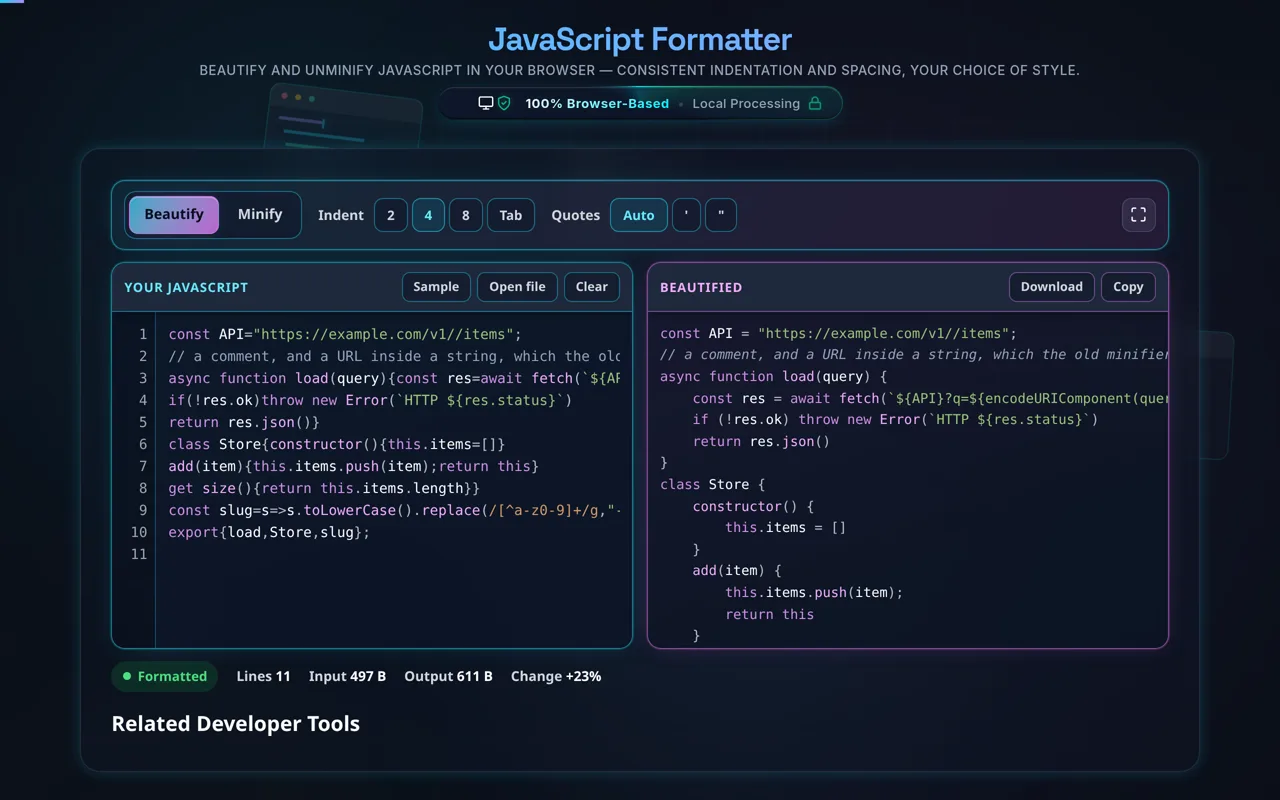
Two honest points worth stressing. First, beautifying is cosmetic — it changes whitespace and style, not behavior. Crucially, it is not de-obfuscation: if code was minified, variables renamed to a, b, c stay renamed; the formatter restores readable layout, not meaningful names or original comments. Second, it's not a linter or transpiler — it won't catch bugs, apply your ESLint rules, or convert TypeScript/JSX to JavaScript; it beautifies plain JS.
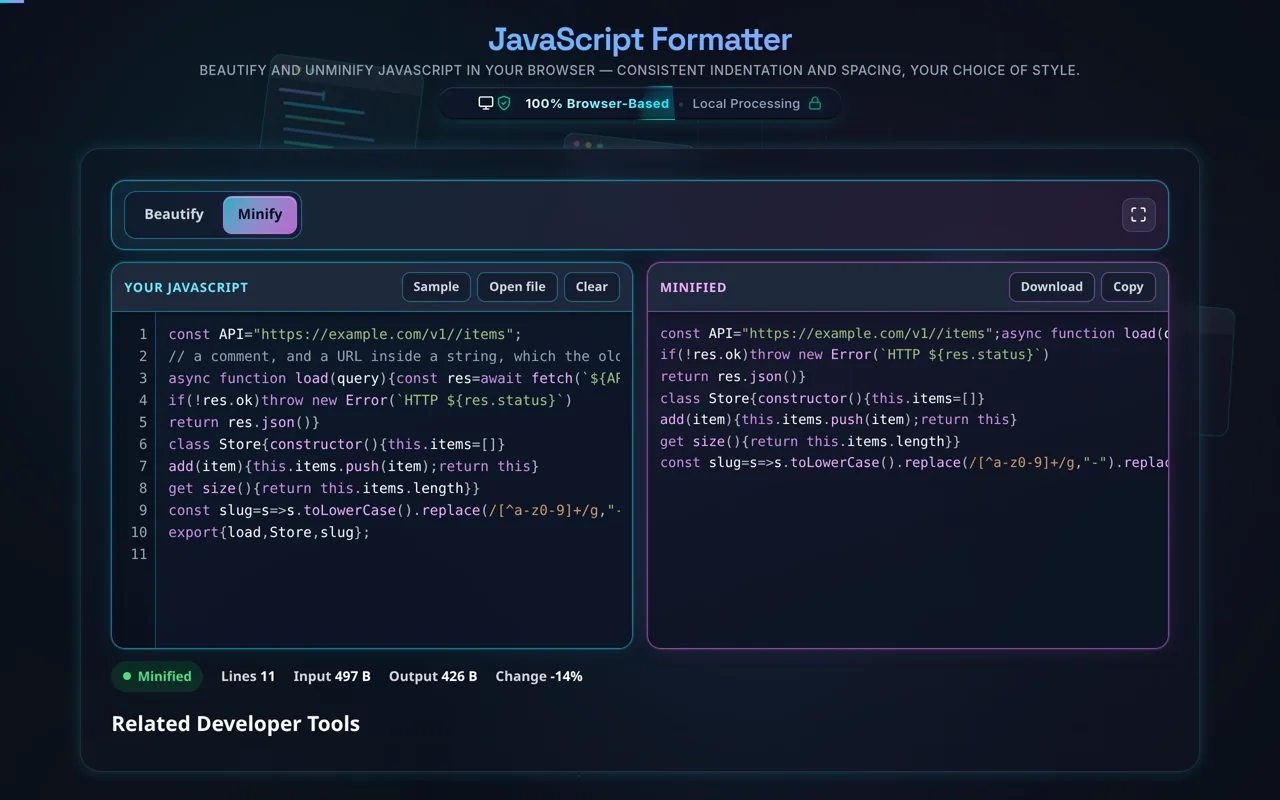
Minify here is the safe kind. Switch the output to Minify and the tool strips comments and redundant whitespace and nothing else — it never renames a variable, and it never removes a line break that automatic semicolon insertion depends on. It then re-parses its own output: if source that parsed comes back as source that does not, the tool says so and hands your input back unchanged rather than quietly giving you broken code. For the aggressive kind — renaming, dead-code removal, real production savings — use the JavaScript Minifier.
For other languages, see the HTML Formatter, CSS Formatter, and JSON Formatter.