JavaScript Minifier

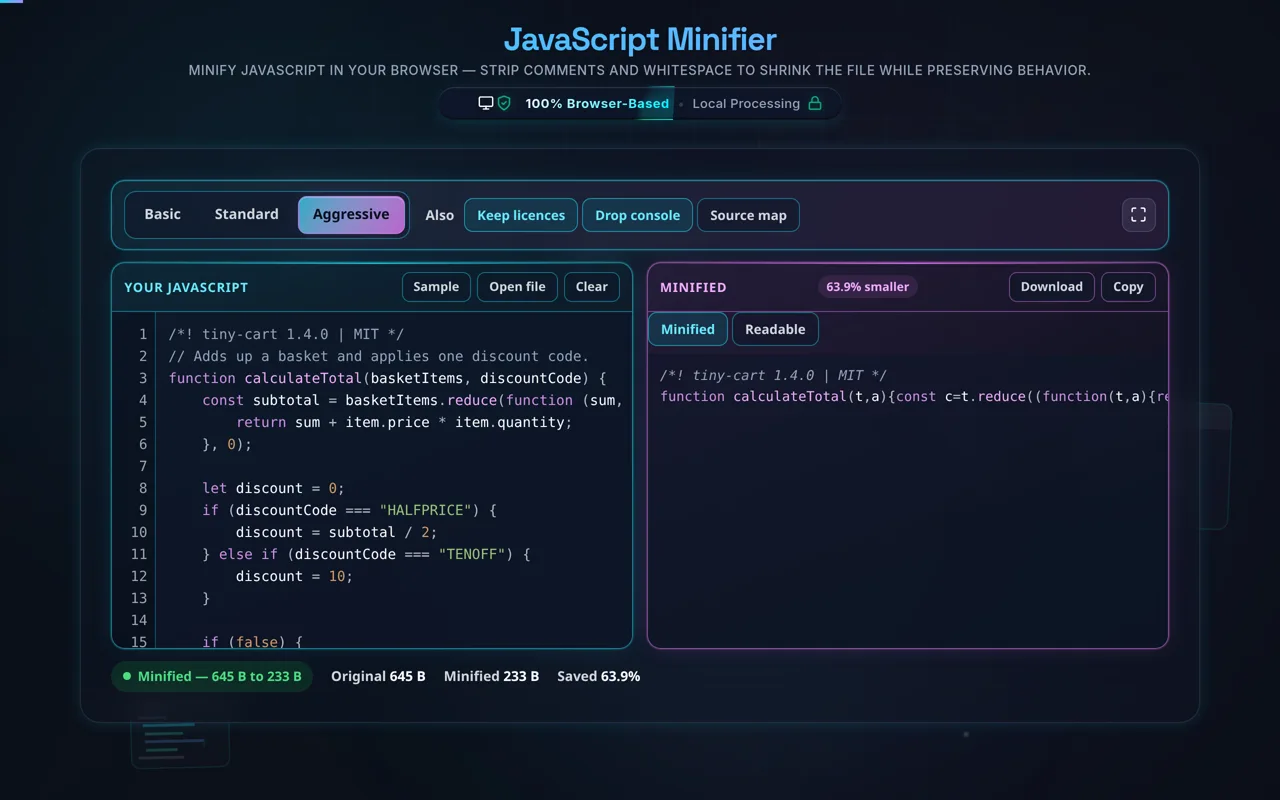
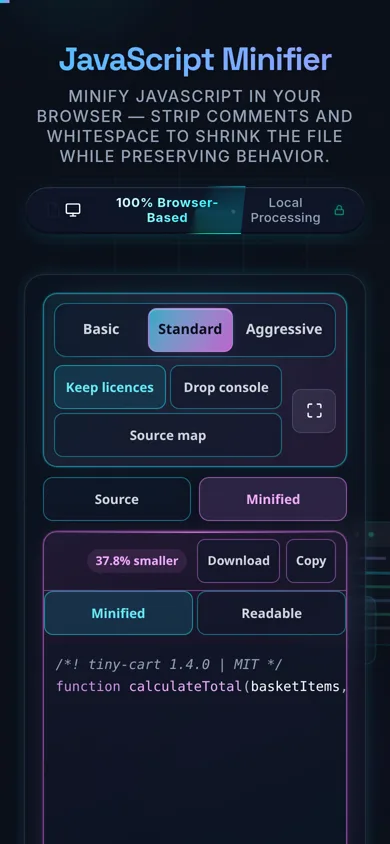
Minify JavaScript in your browser — strip comments and whitespace to shrink the file while preserving behavior.

100% Browser-Based Local Processing

High-performance AST-based client-side JS compression with real-time validation.

Original: 0 B
Minified: 0 B
Saved: 0%
Raw Input (JS)
Valid Syntax
Minified Output

Privacy Focused

🔒 Local Processing. Your code never leaves your device.

Instant Results

🌐 Fully Client-Side. Runs instantly in your browser.

No Signup

⚡ No accounts. No API keys. Just open and use.

Browser Based

🚀 No installs, no CLI, no build step.

Shrink your JavaScript — privately

A JavaScript Minifier shrinks a script by removing comments and insignificant whitespace, producing smaller code that behaves identically. This one runs entirely in your browser — unlike many minifiers that send your code to a server, nothing is uploaded here — and it shows how many bytes you save.

Smaller scripts load and parse faster. A JavaScript minifier reduces file size by removing comments and collapsing insignificant whitespace — the indentation, line breaks, and spacing that make code readable but that the engine doesn't need. The result is a compact, behaviorally identical script.

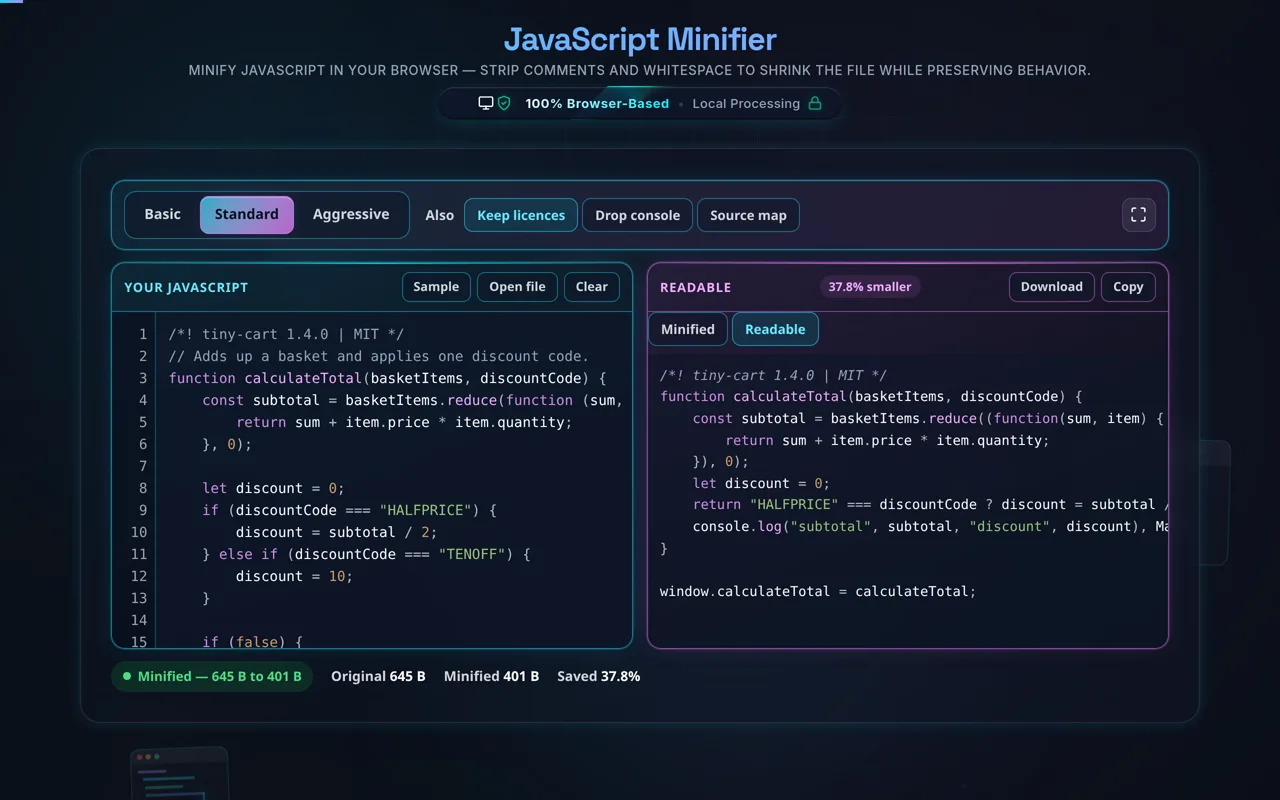
Paste your JavaScript or load a local file, and the tool minifies it and shows the size before and after with the percentage saved. It preserves the semantics of your code — strings, template literals, and regex are untouched — so the minified output runs exactly like the original. Copy, download, or flip back to beautify if you need to read it.

The privacy angle is especially meaningful here. Several popular JavaScript minifiers POST your code to their server to process it — which is a real concern for proprietary or sensitive logic. This tool does everything in your browser: no server, no upload, no logging, no tracking. Your code never leaves your device, and the tool works offline once loaded.

Honest, important caveats. Minifying is behavior-preserving, but always keep your original source — minified JS is hard to read and debug, and comments are gone for good. For complex code, test the minified output before shipping. This is a minifier, not a bundler or transpiler: it won't resolve imports, tree-shake unused code, or convert TypeScript/JSX — for a full build, use tools like Terser, esbuild, or Rollup. Note "minify" (whitespace/comments) differs from aggressive "uglify/mangle" (renaming variables), which saves more but is riskier. And for transport, gzip/brotli usually saves more than minifying alone, though they stack.

For the reverse, see the JavaScript Formatter; for markup and styles, the HTML Minifier and CSS Minifier.
When a JavaScript minifier helps

  • Faster loads. Trim script size for quicker parse and download.
  • No build step. Minify by hand where there's no bundler.
  • Inline scripts. Compact JS embedded in a page or CMS.
  • Bandwidth. Reduce transfer where compression isn't applied.
  • Sensitive code. Minify proprietary JS without uploading it to a server.

How to minify JavaScript

Paste or load your JavaScript

Type it, paste it, or open a local file (read in-browser, not uploaded).

Minify

The tool removes comments and collapses whitespace while preserving behavior.

Check the size saved

See bytes before/after and the percentage.

Test the output

For anything non-trivial, verify it behaves identically.

Copy or download

Grab the minified script. Nothing is sent anywhere; keep your source too.

Realistic example

A commented, well-spaced 50 KB script might minify to around 30 KB — roughly 40% smaller — before any server compression. The tool shows the exact saving for your file.

Advanced tip

For production builds, a bundler like esbuild or Terser will minify and tree-shake and bundle; this tool is for quick, private, one-off minification.

Common mistake to avoid

Don't ship minified code as your only copy — keep the readable source in version control, since debugging minified JS is painful.

Related

To read minified JS again, use the JavaScript Formatter.

What to keep in mind

  • Zero-knowledge and private. Unlike many server-based minifiers, this runs in your browser — nothing uploaded, logged, or tracked, and it works offline.
  • Behavior-preserving. Removing whitespace and comments doesn't change what the code does; strings and regex are preserved.
  • Keep your source. Minified JS is hard to debug and comments are lost — keep the readable original.
  • Test the output. For complex code, verify it behaves identically before shipping.
  • Not a bundler/transpiler. It won't resolve imports, tree-shake, or convert TS/JSX; and gzip usually saves more (they stack).

Frequently Asked Questions

How do I minify JavaScript?

Paste your JavaScript (or load a local file) and the tool removes comments and collapses insignificant whitespace to shrink the code, while preserving how it behaves. It shows the size before and after so you can see the saving. Then test it and copy or download the minified script. Everything happens in your browser; nothing is uploaded.

Does minifying change how my code behaves?

No. Removing comments and whitespace doesn't affect execution — the JavaScript engine ignores that formatting — so the minified code behaves identically. Strings, template literals, and regular expressions are preserved exactly. That said, for complex code it's wise to test the output, and if you enable aggressive options that rename variables, verify carefully, since those are more involved than plain whitespace removal.

Does this upload my code, and does it work offline?

No upload, and yes it works offline — which sets it apart. Many popular minifiers send your code to their server to process it; this one does everything in your browser, with no server, no logging, and no tracking. That makes it safe for proprietary or sensitive code. Once loaded it works with no internet connection, verifiable in your browser's network tab.

What does minifying JavaScript remove?

Comments and insignificant whitespace — the // and /* */ comments, indentation, and line breaks that make code readable but that the engine doesn't need. Plain minification keeps your variable names and logic intact. It doesn't remove functionality; it only strips the non-essential characters, producing a smaller file that runs the same way.

Should I keep my original source?

Yes, always. Minified JavaScript is compact and hard to read or debug, and the comments are gone permanently. Keep your readable, commented source in version control and treat the minified file as a build artifact. If you ever need to fix a bug, you'll work in the source and re-minify — never edit minified code directly if you can avoid it.

How much smaller does minifying JS make it?

It depends on how much whitespace and how many comments the file has. Well-commented, well-spaced code often shrinks by roughly 30–50% before any server compression; heavily documented code saves even more. Minimal code saves little. The tool reports the exact bytes and percentage for your file. Gzip/brotli on your server usually saves more on top of this.

What's the difference between minifying and gzip?

Minifying removes comments and whitespace from the code text itself. Gzip/brotli is compression your server applies during transfer, which removes redundancy far more aggressively. For network transport, gzip usually saves more than minifying alone — but they stack, so minify then compress for the smallest transfer. Minifying is most valuable where compression isn't applied, or as part of a build.

What's the difference between minify and uglify/mangle?

Minifying in the basic sense removes whitespace and comments, keeping names and structure. Uglifying/mangling goes further, renaming local variables to short names (like a, b) and applying other transformations for maximum size reduction — that's what tools like Terser (formerly UglifyJS) do. Mangling saves more but is more complex and slightly riskier, which is why it's usually an advanced/optional step.

Can minifying break my code?

Plain whitespace-and-comment minification is very safe and shouldn't change behavior. Problems are more likely with aggressive transformations (like mangling) or with code that relies on function/variable names via reflection or eval. The safe practice is to test the minified output the same way you'd test the original, especially for complex applications, before shipping it to production.

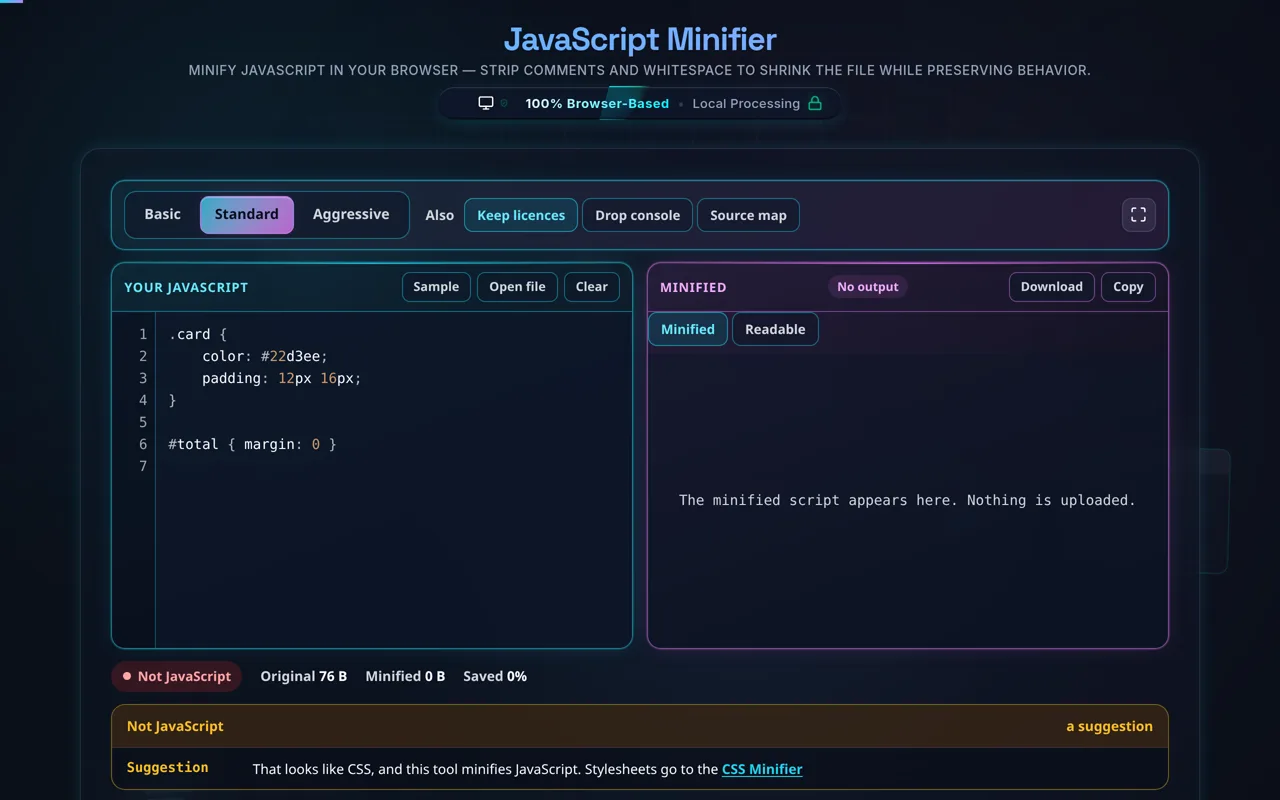
Does it work with TypeScript, JSX, or bundle imports?

No — it minifies plain JavaScript. TypeScript and JSX must be transpiled to JS first (with the TypeScript compiler, Babel, or esbuild), and resolving imports or bundling multiple files is a bundler's job (esbuild, Rollup, webpack). This tool takes finished JavaScript and shrinks it; for a full build pipeline with transpilation, bundling, and tree-shaking, use those dedicated tools.

Can I load a file instead of pasting?

Yes. You can open a local .js file and the tool reads it directly in your browser with the FileReader API — the contents load into the editor without being uploaded anywhere. This is handy for larger scripts or ones you'd rather not copy and paste, and it's exactly as private as pasting the code by hand.

Is it free, and are there limits?

Yes, completely free — no payment, no signup, no account, and no usage caps or watermarks. Since everything runs in your browser, there's nothing for us to meter; the only practical limit is your device's performance on very large files. Use it as much as you like, including offline once the page has loaded.

Still have questions?

If you can't find the answer you're looking for, feel free to contact our support team.

Contact Us