Shrink your CSS — safely and privately
A CSS Minifier shrinks a stylesheet by removing comments and insignificant whitespace and tightening syntax (like dropping the last semicolon in a block). The result is smaller but renders identically — the cascade and every rule are unchanged. This one runs entirely in your browser, so your CSS is never uploaded.
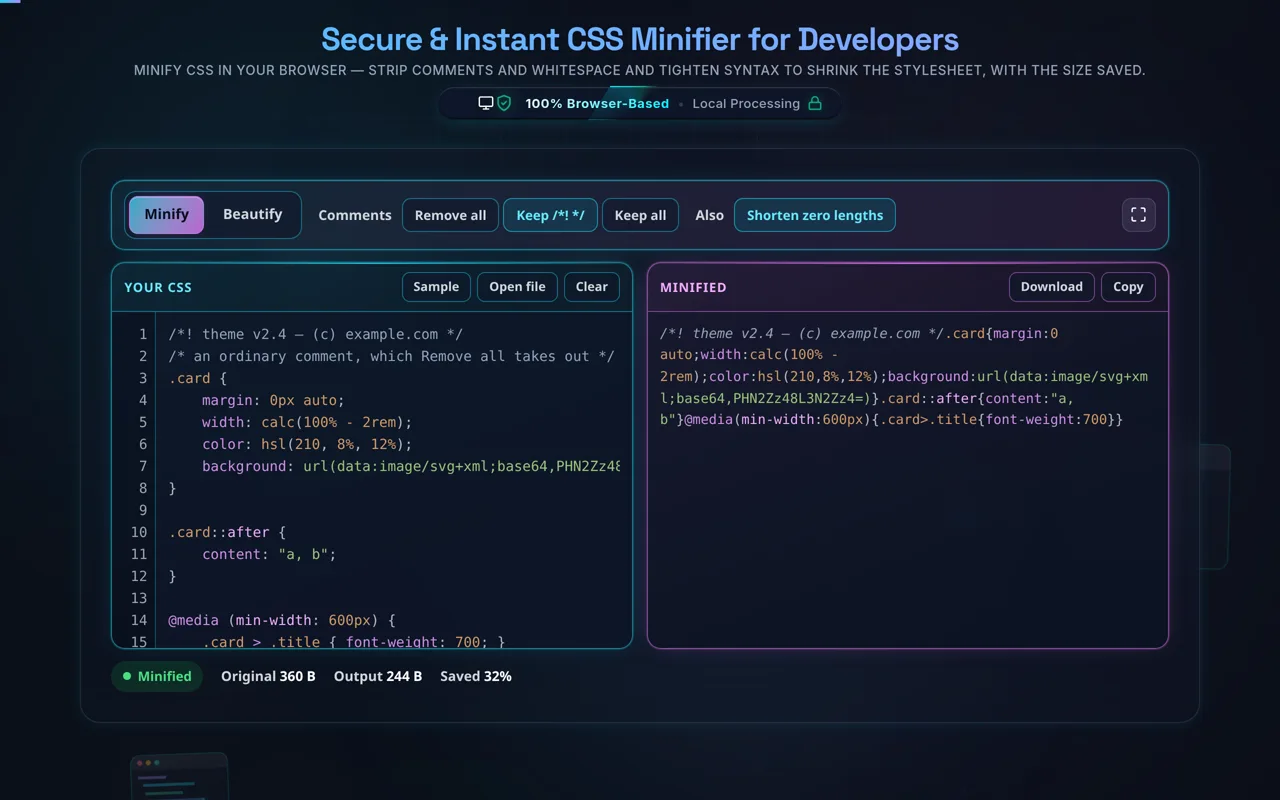
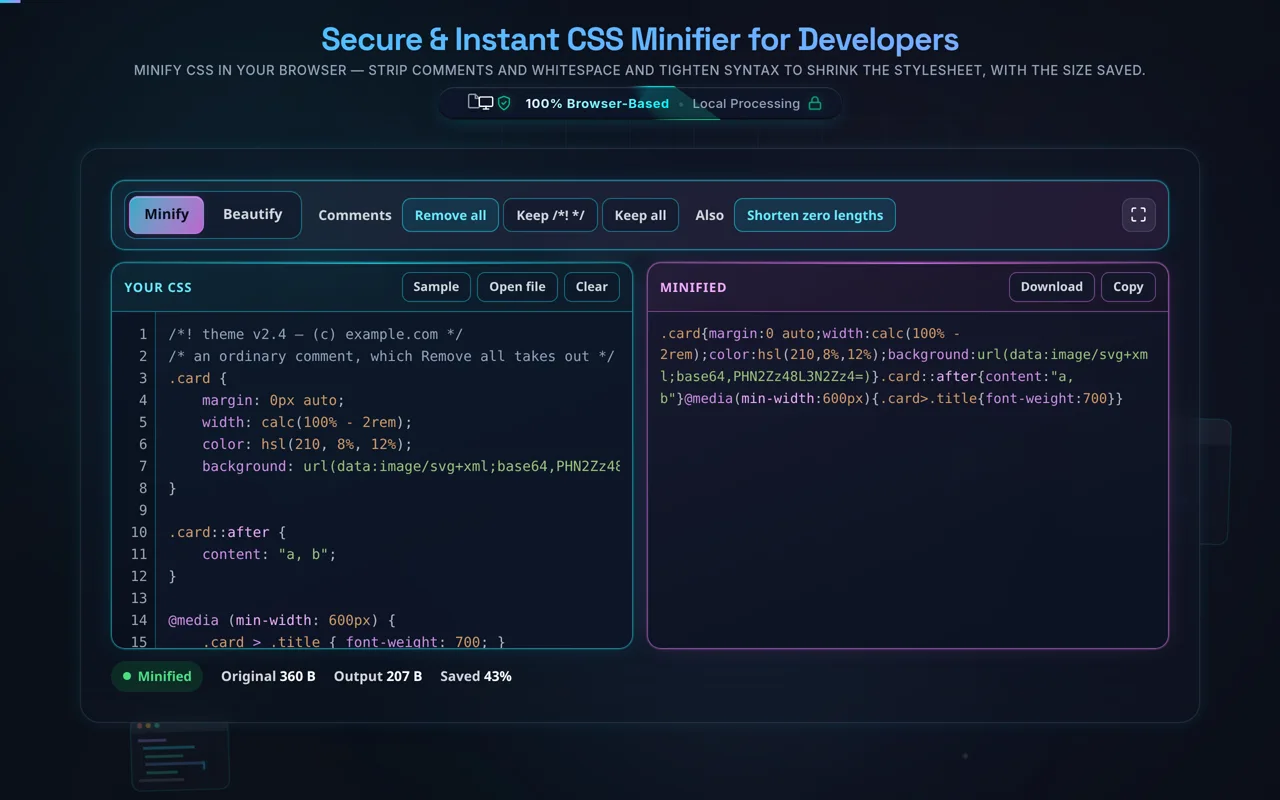
What it will not touch, and why. The minifier reads the stylesheet with a tokenizer, so a string and an unquoted url() are values rather than text to run replacements over. That matters in three places people hit constantly: content: "a, b" keeps its space, url(data:image/png;base64,…) is not cut at its first semicolon, and the whitespace calc(), min(), max() and clamp() require around + and - stays — calc(100%+2px) is not valid CSS and is not smaller in any way that matters. Zero shortening applies to length units only: 0% is a @keyframes selector and a legal hsl() argument, and it is never 0.
Smaller stylesheets load faster. A CSS minifier reduces file size by removing comments and collapsing whitespace, and by tightening syntax — trimming spaces around braces, colons, and semicolons, and dropping the redundant final semicolon in each rule. The result is the smallest equivalent CSS: it looks unreadable, but the browser renders it exactly the same.
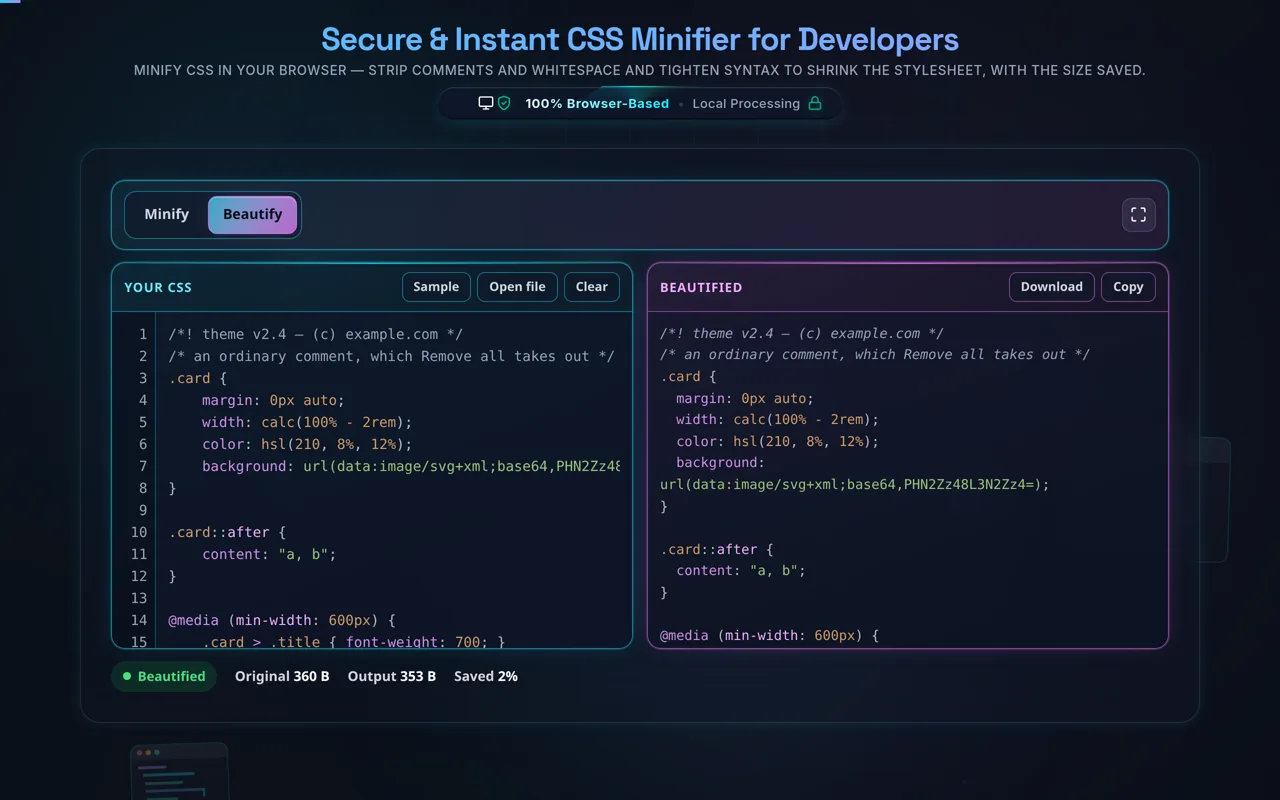
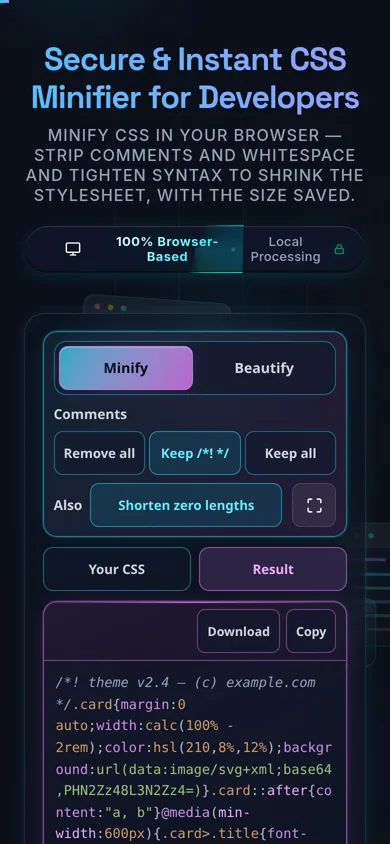
Paste your CSS or load a local file, choose your options (remove comments, collapse whitespace, and optionally preserve important comments like /*! license */ banners), and the tool minifies it and shows the size before and after with the percentage saved. It preserves url() and string contents exactly, and never reorders or renames anything. Copy, download, or flip back to beautify whenever you like.
Privacy is the throughline. Minifying happens in your browser — no server, no upload, no logging, no tracking. You can minify proprietary stylesheets without any of it leaving your device, and the tool works offline once loaded.
Some honest notes. Unlike HTML, CSS minification is safe — CSS ignores insignificant whitespace, so removing it never changes which rules apply, the cascade, or specificity; your styles behave identically. But it's a minifier, not an optimiser: it won't merge duplicate rules, remove unused CSS, or add vendor prefixes — for those, use a build tool like cssnano/PostCSS. It targets plain CSS, so compile SCSS/LESS first. And for transport, server compression (gzip/brotli) usually saves more than minifying alone, though the two stack.
For the reverse, see the CSS Formatter; for markup and scripts, the HTML Minifier and JavaScript Minifier.