Color Code Converter

Free online Color Code Converter for developers.

100% Browser-Based Local Processing

Instant Bidirectional HEX ↔ RGB ↔ HSL Conversion

Color Specifications

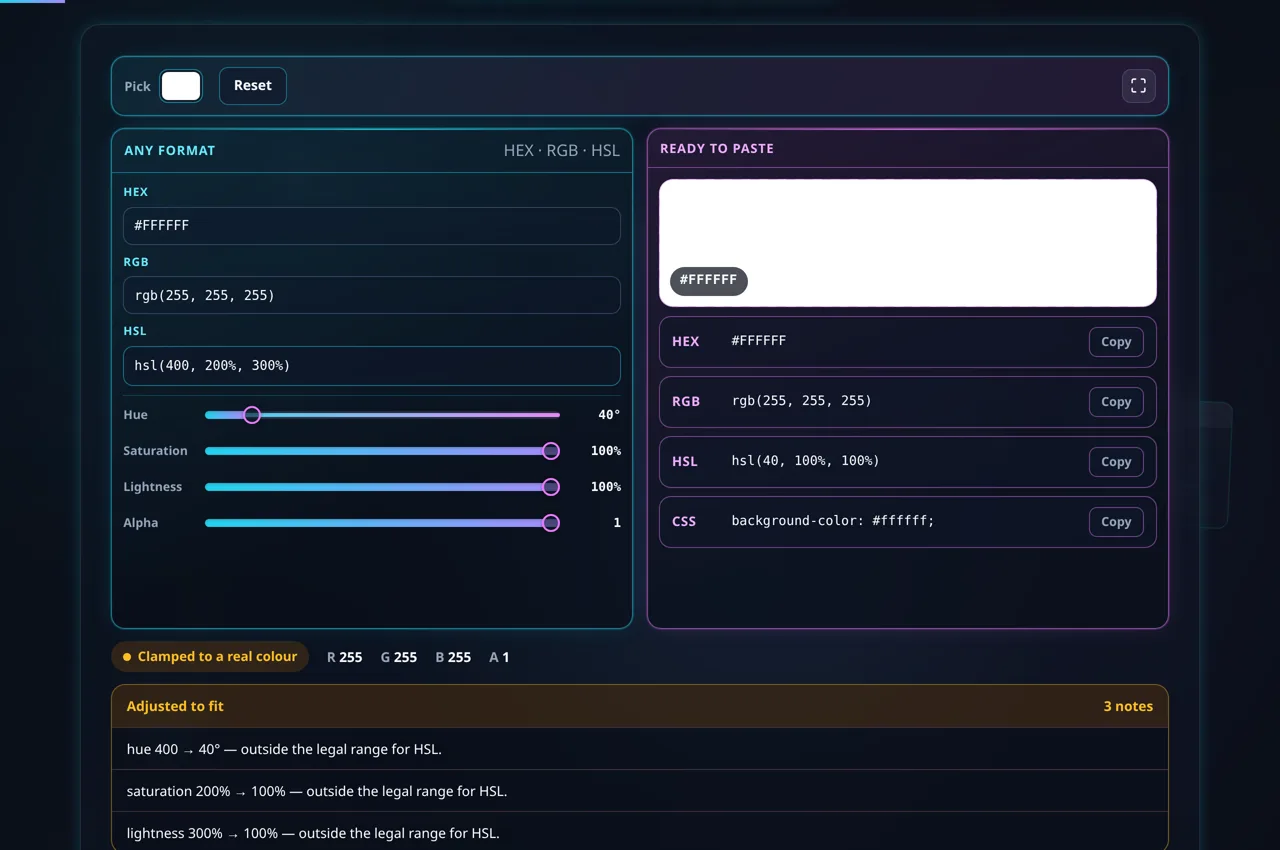
Invalid HEX format
Invalid RGB format (0-255)
Invalid HSL format
193
82%
31%
1.0
#0E7490

Privacy Focused

🔒 Local Processing. Your code never leaves your device.

Instant Results

🌐 Fully Client-Side. Runs instantly in your browser.

No Signup

⚡ No accounts. No API keys. Just open and use.

Browser Based

🚀 No installs, no CLI, no build step.

Precision Color Conversion for Modern Web Development

In the high-stakes world of modern web design and software engineering, managing color consistency is paramount. Our Color Code Converter provides a centralized, high-performance workspace designed to handle the intricate requirements of design systems. Whether you are translating a CSS design block or adjusting individual channel values for dynamic UI components, this tool offers instantaneous bidirectional updates between HEX, RGB, and HSL formats.

Understanding color systems like RGB (Red, Green, Blue) and HSL (Hue, Saturation, Lightness) is essential for creating accessible and visually appealing interfaces. While HEX is a favorite for static styles, HSL is often preferred by developers for its intuitive handling of brightness and saturation. Our converter bridges this gap by providing a live visual preview and numeric validation to ensure your codes always adhere to W3C standards. This prevents common errors such as out-of-range values or malformed hexadecimal strings that can break your HTML layout rendering.

The interface is optimized for speed and reliability, processing all data locally on your device. This ensures that your brand colors and design choices remain private, never leaving your browser. With integrated alpha channel support, you can fine-tune transparency for modern glassmorphism effects or subtle overlays, instantly generating the necessary RGBA or HSLA code for your production-ready CSS files.

How to Use Color Code Converter

Step-by-Step Usage Guide

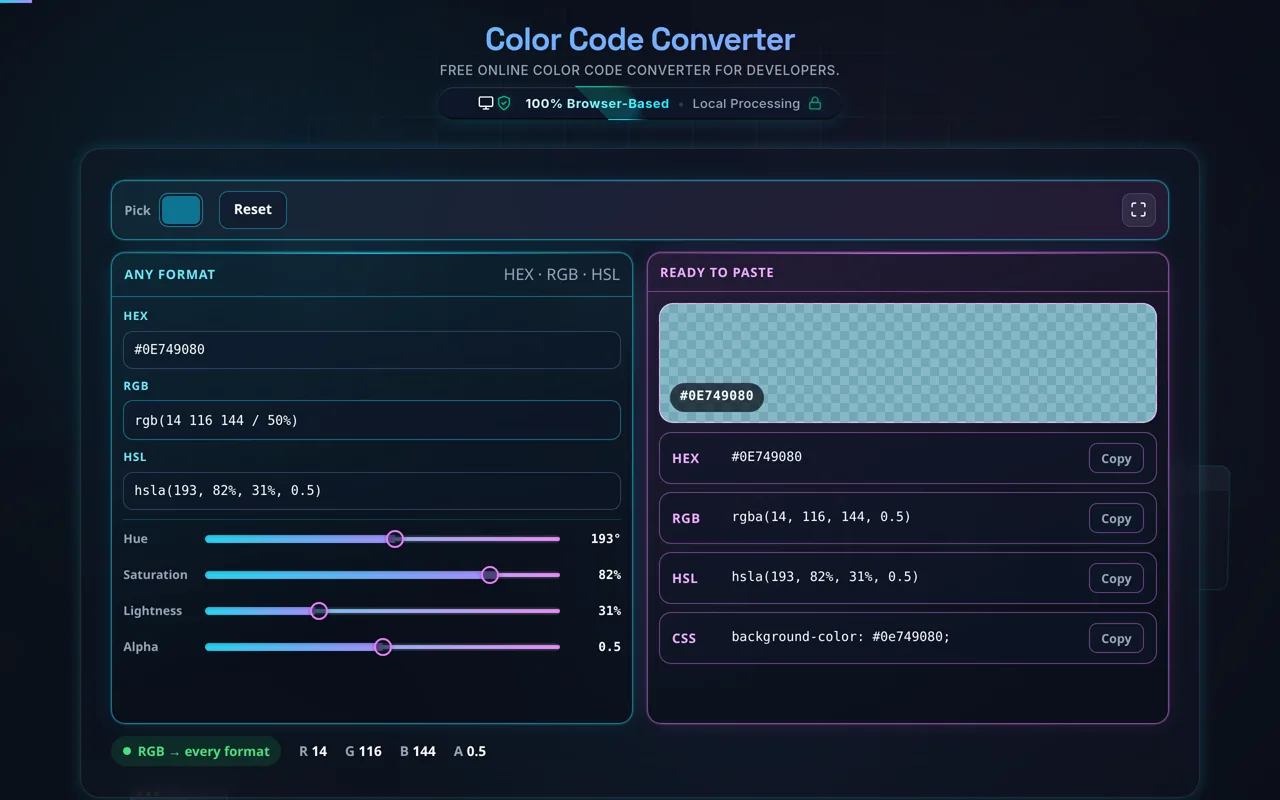
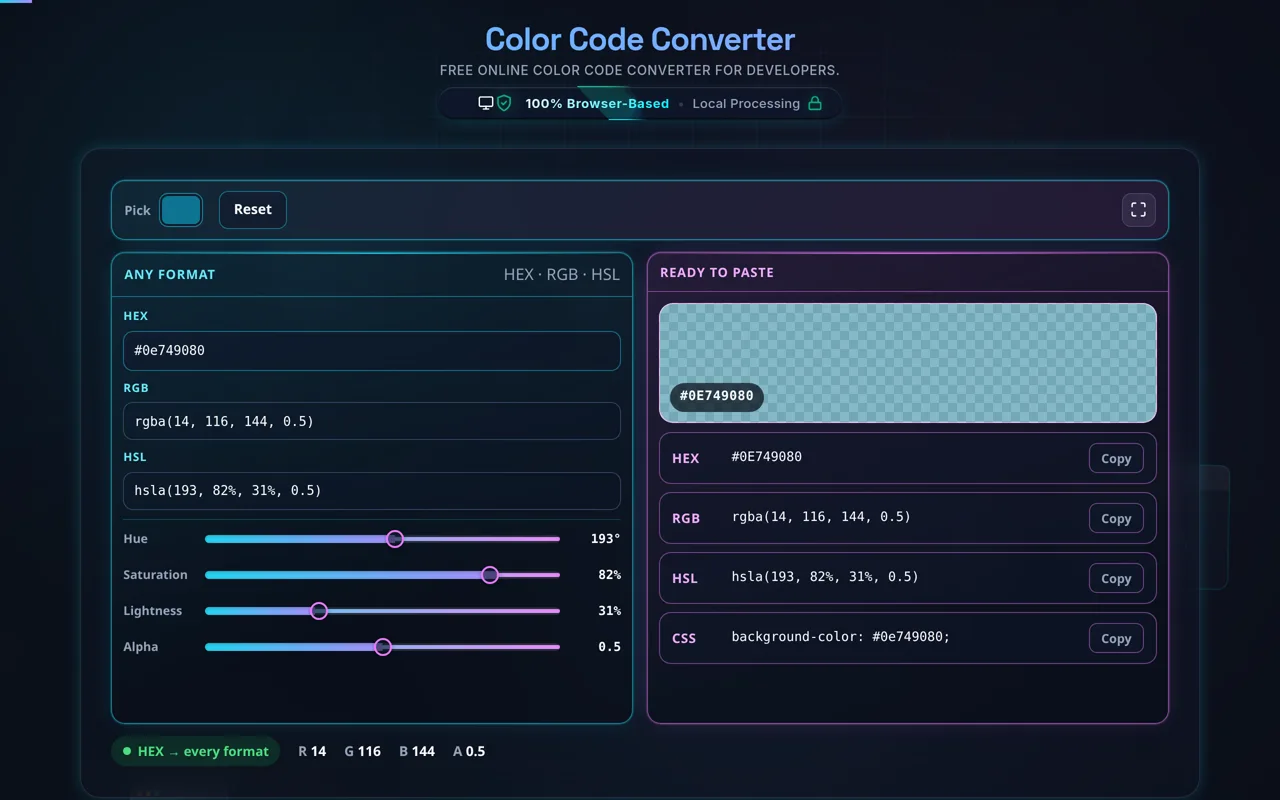
To begin, simply paste any color value into its respective field. If you have a HEX code from a design tool like Figma or Photoshop, paste it into the HEX input. The tool will automatically strip leading '#' characters if necessary and immediately update the RGB and HSL equivalents. This real-time synchronization allows you to see how a specific shade of blue translates across different technical representations without refreshing the page.

For fine-tuning, utilize the interactive sliders below the input fields. The 'H' slider cycles through the 360-degree color wheel, while 'S' and 'L' adjust the intensity and lightness. The 'Alpha' slider is particularly useful for developers working with minified CSS where compact transparency values are needed. As you slide, the visual preview bubble changes dynamically, allowing for rapid iteration on hover states or brand accents.

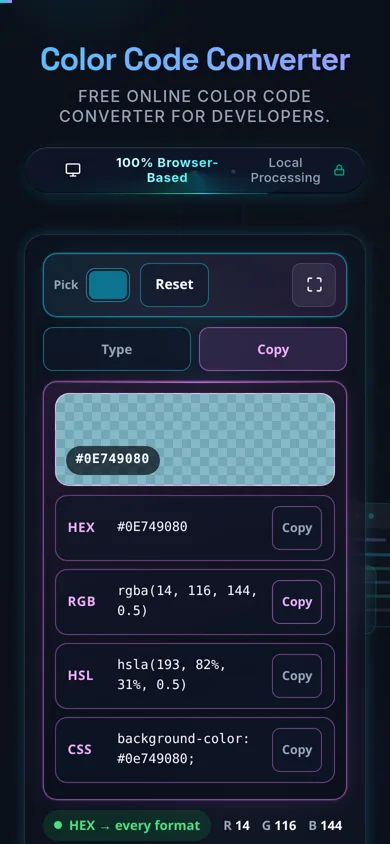
Once you are satisfied with the color, use the 'Copy' buttons adjacent to each field. These buttons copy the exact string formatted for use in code. For example, copying the RGB value provides a string like "rgb(255, 0, 0)", ready to be pasted directly into your stylesheet. This workflow minimizes manual typing and significantly reduces the chance of syntax errors in your development cycle.

Frequently Asked Questions

How do I convert a HEX color to RGB or HSL?

Type your HEX value — for example #0e7490 — into the HEX field, and the tool instantly fills in the RGB (rgb(14, 116, 144)) and HSL (hsl(193, 82%, 31%)) equivalents, plus a preview swatch. Each format has a copy button and a ready-to-paste CSS snippet. It works in reverse too: enter RGB or HSL and the others update. Everything happens in your browser.

Does this upload anything, and does it work offline?

No upload, and yes it works offline. All conversion happens in your browser using JavaScript — there's no server involved, no logging, and no tracking. Once the page has loaded it keeps working with no internet connection, which you can confirm in your browser's network tab. Colors are just math done locally on your device.

What color formats does it support?

HEX, RGB, and HSL, with their alpha variants. HEX accepts 3-digit (#abc), 6-digit (#0e7490), and 8-digit (with alpha) forms; RGB accepts rgb() and rgba(); HSL accepts hsl() and hsla(). Type in any one and the others stay in sync. These are the formats you use in CSS, which is the focus — CMYK, LAB, and wide-gamut spaces are out of scope.

How does alpha or transparency work here?

Alpha (opacity) is supported across all formats, and the tool keeps it consistent. In rgba() and hsla() it's a value from 0 (transparent) to 1 (opaque). In HEX it's an extra two hex digits appended to a 6-digit color, making an 8-digit hex — so #0e7490 at 50% becomes roughly #0e749080. Set it once and it carries across every format.

Why doesn't HEX to HSL always round-trip exactly?

Because HSL rounds. Hue is stored as a whole number of degrees and saturation and lightness as whole percentages, so converting HEX → HSL and back to HEX can land one step away from where you started. The color is visually identical — you won't see the difference — but it isn't guaranteed byte-for-byte. When exactness matters, treat HEX or RGB as your source of truth.

What's the difference between HEX, RGB, and HSL?

They describe the same sRGB color three ways. HEX and RGB both specify red, green, and blue channels — HEX in base-16 (#0e7490), RGB in decimal (14, 116, 144). HSL instead uses hue (the color's position on the wheel), saturation (how vivid), and lightness (how bright). HEX and RGB are compact; HSL is far more intuitive when you want to adjust a color rather than just name it.

Can I get ready-to-paste CSS?

Yes. Alongside each format the tool gives you a copy button and a background-color CSS snippet you can paste straight into a stylesheet. Grab the exact format your project uses — HEX for brevity, RGB/HSL for readability, or an alpha variant for transparency. Because the formats stay in sync, you always copy the correct value for the color you're previewing.

Does it support 3-digit and 8-digit hex?

Yes. Shorthand 3-digit hex (#abc, which expands to #aabbcc) is accepted and expanded, standard 6-digit hex works as usual, and 8-digit hex — 6 digits of color plus 2 digits of alpha — is supported for transparency. Whichever form you enter, the tool normalizes it and shows the equivalent RGB and HSL, so you can move between shorthand and full forms freely.

Is HSL better for adjusting a color?

Usually, yes. HSL separates a color into hue, saturation, and lightness, so to make a shade lighter you just raise the lightness, and to mute it you lower the saturation — no guesswork across three RGB channels. That's why designers and developers reach for HSL when building tints, shades, and hover states. Convert your HEX to HSL here, tweak, and copy the result back.

What color space does it use?

sRGB — the standard color space of the web and of CSS colors. Every conversion between HEX, RGB, and HSL happens within sRGB, which is what browsers render by default. Wide-gamut spaces like Display P3, and print or perceptual spaces like CMYK and LAB, aren't handled here; for those you'd need a dedicated color-management tool. For web and app work, sRGB is what you want.

Is there a live preview as I type?

Yes. A preview swatch shows the current color and updates the instant you change any field, so you get immediate visual feedback rather than converting blind. All three format fields update live together too — change the HSL lightness and you'll watch the HEX, RGB, and swatch shift in real time. It makes fine-tuning a color quick and obvious.

Is it free, and are there limits?

Yes, completely free — no payment, no signup, no account, and no usage caps or watermarks. Since everything runs in your browser, there's nothing for us to meter. Convert as many colors as you like, as often as you like, including offline once the page has loaded.

Still have questions?

If you can't find the answer you're looking for, feel free to contact our support team.

Contact Us