Tax Calculators

Free tax calculators — take-home pay, a progressive income tax schedule you define, US self-employment tax, capital gains, and VAT / GST both ways.

100% Browser-Based Local Processing

Tax & Payroll 5

What is taken off, at rates you enter — so it works in any country and never goes stale.

More calculators

The other eight groups, and the full index of all 55.

An estimate, not financial advice. Figures are indicative, and the assumptions behind them are stated on the tool itself. Tax rules, rates and fees vary by country and change over time — check against your provider or a qualified adviser before acting on a number.

Privacy Focused

🔒 Local Processing. Your salary and balances never leave your device.

Instant Results

🌐 Fully Client-Side. Runs instantly in your browser.

No Signup

⚡ No accounts. No API keys. Just open and use.

Browser Based

🚀 No installs, no sign-ups, no bank account linking.

What are the Tax Calculators?

Randomly’s tax calculators work out what is taken off and what is left: take-home pay from gross, income tax on a progressive schedule you enter band by band, US self-employment tax, capital gains after buying and selling costs, and VAT or GST added to a price or extracted from one. You supply the rates that apply to you, so they work in any country and do not go stale.

Five calculators, and the thing they have in common is what they deliberately do NOT contain: any country’s tax tables. Rates, bands, allowances and thresholds differ by country, by region, by year and often by the kind of income — so a calculator with a schedule baked into it is wrong almost everywhere and out of date at home within a year, while still returning a confident number.

These take the rate from you instead, from your payslip, your tax authority or your accountant. That makes them useful in every country rather than one, and it puts the part that goes out of date where somebody can see and change it. The one exception is the self-employment tax calculator, which is US-specific by nature — and even there the rates and the wage base are editable fields carrying the year they came from.

Income and balances are the most sensitive figures on the site. None of them leave the page: the arithmetic runs in your browser, there is no account, and nothing is stored when you close the tab.
Tax Calculators in action

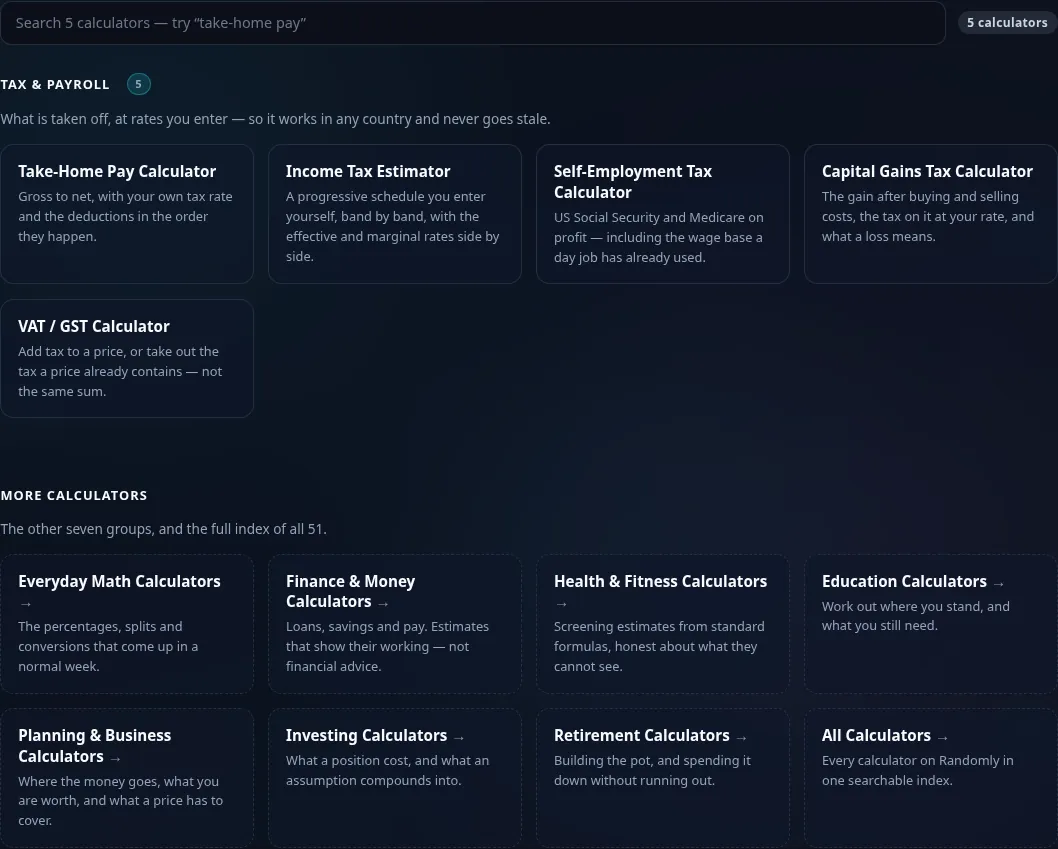
The Tax & Payroll calculator grid on Randomly in dark mode — 5 cards: Take-Home Pay, Income Tax Estimator, Self-Employment Tax, Capital Gains Tax, VAT / GST
Tool grid (5 calculators)
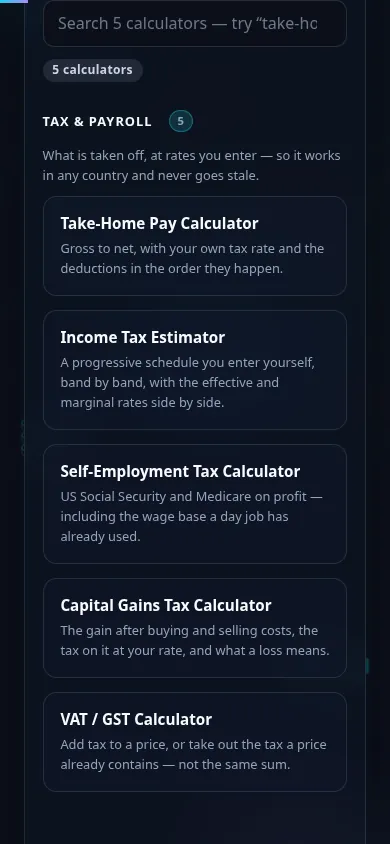
The Tax & Payroll calculators on a phone, the 5 cards stacked in a single column
Mobile (stacked grid)

Good to know

  • They work in your country, because you bring the rates. No built-in schedule to be wrong about your jurisdiction, and nothing that silently goes stale in January.
  • Effective and marginal rates are shown side by side. Crossing into a higher band does not tax all your income at that rate, and seeing the two numbers together is what makes that concrete.
  • Removing tax is not subtracting the rate. At 20%, the VAT inside a 300 price is 50, not 60. The tool shows the tax as a share of the total beside the rate, because the error is invisible and always in the same direction.
  • Estimates, and they say so. Credits, phase-outs, reliefs, local taxes and filing status are not modelled. Every page states what it leaves out rather than implying a filing-grade figure.

Frequently Asked Questions

What tax calculators are in this group?

Five: Take-Home Pay, Income Tax Estimator, Self-Employment Tax, Capital Gains Tax and VAT / GST. Between them they cover pay coming in, tax on income, tax on a sale, and consumption tax on a price. Each is a focused tool rather than a mode inside a larger one.

Why do I have to enter my own tax rate?

Because the alternative is worse. A calculator with one country’s brackets built in gives a wrong answer to everyone outside that country and a stale one inside it as soon as the rates move — and it gives both of those with the same confidence as a right answer. Taking the rate as an input keeps the tool honest, global, and current, and puts the figure most likely to change where you can check it.

What is the difference between an effective and a marginal tax rate?

Your marginal rate is what the NEXT unit of income is taxed at — the rate of the top band you have reached. Your effective rate is the total tax divided by your whole income, which is always lower under a progressive system because the earlier bands were taxed at their own lower rates. The income tax estimator shows both, because people routinely turn down work believing that crossing a band taxes everything at the higher rate. It does not.

How do I remove VAT from a price that already includes it?

Divide by 1 plus the rate, do not subtract the rate. At 20%, a 300 tax-inclusive price contains 50 of tax, not 60: 300 ÷ 1.20 is 250 net, so the tax is 50. Taking 20% of 300 overstates it by 10 on every such invoice, always in the same direction, and it is completely invisible unless you check that net plus tax comes back to the gross. The VAT / GST calculator does both directions and shows the tax as a share of the total — 16.67% at a 20% rate — so the two percentages sit side by side.

Is self-employment tax the same as income tax?

No, and conflating them is the commonest mistake in this area. US self-employment tax is Social Security and Medicare — the contributions an employer would otherwise split with you. Federal and state income tax are calculated separately, on top of it. The calculator works out SECA only, and it says so on the page.

Why is self-employment tax charged on 92.35% of profit?

Because the employer half of the tax is removed from the base before the tax is charged, so that someone self-employed is taxed on the same footing as an employee whose employer paid half. It is not a discount. Leaving the factor out overstates the bill by roughly 8% of itself, which looks entirely plausible.

Does a second job affect my self-employment tax?

It can, substantially. The Social Security wage base is shared between W-2 wages and self-employed earnings, and the day job uses it first. If your wages have already reached the base, there is no Social Security to pay on the self-employed profit at all — only Medicare, which has no ceiling. The calculator has a field for W-2 wages already taxed for Social Security for exactly this reason.

How is capital gains tax calculated?

Take what you sold for, less the selling costs; take what you paid, plus the buying costs; the difference is the gain, and the tax is that gain times your rate. Costs count on both sides and in opposite directions — buying costs raise the basis, selling costs lower the proceeds — so subtracting them once from the gain would halve their effect. If the basis is larger than the proceeds it is a loss, and there is no tax on it.

Does a capital loss reduce my tax bill?

It may, but not in a way this tool will calculate for you. Many systems let a realised loss be set against gains elsewhere, sometimes carried into later years, usually with conditions about asset types and timing. Those rules are local and detailed, and a number here would be taken as authoritative. The calculator reports the loss and stops there.

Are these figures accurate enough to file with?

No. They are estimates for planning and comparison. Real tax involves credits, allowances, phase-outs, filing status, local and regional taxes, and reliefs specific to your circumstances, none of which these tools model. Use them to understand the shape of a number, and check anything that matters against your tax authority or a qualified professional.

Still have questions?

If you can't find the answer you're looking for, feel free to contact our support team.

Contact Us